How to quit NordVPN
A clear, step-by-step guide to stopping NordVPN service, canceling auto-renewal, and removing the app from devices.
How to quit nordvpn
If you’re ready to stop using NordVPN, you have a few distinct steps to consider: stopping auto-renewal to prevent future charges, canceling or requesting a refund if you’re within eligibility windows, disconnecting from VPN servers, and uninstalling the app from your devices. This guide lays out each path clearly so you can quit NordVPN on Windows, macOS, iOS, Android, or any other supported platform.

Quick comparison: quit vs. pause vs. uninstall
| Action | Auto-renewal status | Access to NordVPN on devices | Data/log retention | Reinstallation possible | Refund eligibility |
|---|---|---|---|---|---|
| Quit NordVPN (quit) | Cancelled for future charges | Depends on device; may lose access | Account remains; data retained | Possible to reinstall later | Refund depends on policy |
| Pause subscription | Subscription paused; auto-renew halted | Access paused on active devices | Data retained during pause | Reinstall not needed during pause | Refund not applicable while paused |
| Uninstall app | No auto-renew changes | No app access until reinstalled | Data remains in account | Reinstallable anytime | Refund policy unaffected by uninstall |
Compiled November 2026; check the provider's site for current details.
Cancel auto-renewal (stop future charges)
If you want to stop future charges without canceling immediately, the easiest route is to turn off auto-renewal in your Nord Account.
- Log in to your Nord Account.
- Open the Billing tab.
- Look for Auto-renewal settings.
- Click Cancel next to auto-renewal (set to OFF).
- Confirm any prompts to save changes.
Notes:
- Turning off auto-renewal stops future renewals, but any current subscription period remains active until it ends.
- If you don’t see the option, it could be due to regional differences or account type. Check the NordVPN help center for the latest steps if the UI looks different.
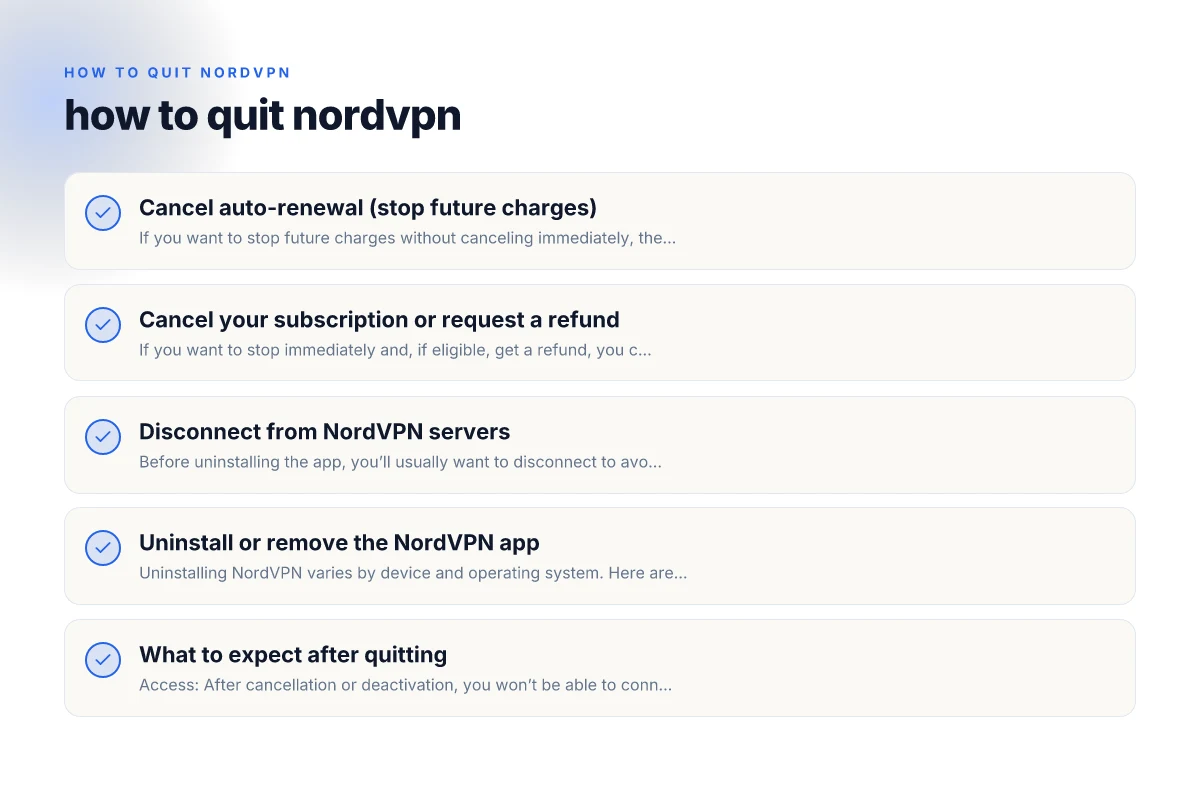
Cancel your subscription or request a refund
If you want to stop immediately and, if eligible, get a refund, you can use NordVPN’s cancellation and refund process.
- Go to your Nord Account and sign in with your email and password.
- Click on Billing or Subscriptions.
- Choose Cancel subscription and follow the prompts.
- If a refund is available, you’ll see relevant options and timelines. Submit the request as directed.
Important:
- Refund eligibility depends on your region and the time elapsed since purchase. NordVPN’s policy varies, so review the terms in the cancellation flow.
- If you don’t see a refund option, you may still cancel auto-renewal to stop future charges, while the current term runs its course.
Step-by-step decision aid for closing or suspending service How to get NordVPN token
| Step | What you do | What happens to charges | What happens to access | Best for | Notes |
|---|---|---|---|---|---|
| Cancel auto-renewal | Go to account settings > Auto-Renew | Charges stop for future period | Access ends at renew date | Stop future charges | May still use until end of period |
| Cancel subscription/refund | Request refund per policy | Some or full refund possible | Access may end immediately | Get money back | Check eligibility window |
| Disconnect from servers | Sign out from devices | No new connections | Active sessions end | Security/privacy | Only disconnects connections |
| Uninstall app | Remove app from device | No new charges | No app access | Clean removal | Data remains in account |
Compiled November 2026; check the provider's site for current details.
Disconnect from NordVPN servers
Before uninstalling the app, you’ll usually want to disconnect to avoid any traffic continuing to go through a VPN tunnel.
- Open the NordVPN app on your device.
- Click the Disconnect button (often labeled “Disconnect” or shown as a power icon).
- Confirm the action if prompted.
- You can also pause the connection if you plan to reconnect later, depending on the client.
For some platforms:
- Windows/macOS: The Disconnect option is on the main screen or in the Quick Connect area.
- iOS/Android: Open the app and tap Disconnect, usually near the top or under a connection status card.
Uninstall or remove the NordVPN app
Uninstalling NordVPN varies by device and operating system. Here are the common methods:
- Windows:
- Open Settings > Apps > Apps & features.
- Locate NordVPN, select Uninstall, and follow prompts.
- You may be prompted to remove VPN network adapters. Confirm if you want to remove them.
- macOS:
- Quit NordVPN if running.
- Drag the NordVPN app from Applications to the Trash.
- Some users also remove related helper tools via System Preferences > Network if you see NordVPN adapters.
- iOS (iPhone/iPad):
- Tap and hold the NordVPN app icon, then choose Remove App.
- Confirm to delete. This removes the app but won’t affect other device security settings.
- Android:
- Open Settings > Apps > NordVPN.
- Tap Uninstall and confirm.
- You might be asked to revoke device administration permissions, grant if prompted.
Note on system extensions: How to end Proton VPN subscription
- Some platforms install network extensions or VPN adapters. Uninstalling NordVPN typically removes them, but if you notice lingering adapters, you can remove them via your device’s network settings or a guided cleanup within the OS.
What to expect after quitting
- Access: After cancellation or deactivation, you won’t be able to connect to NordVPN servers unless you reactivate the service or sign up again.
- Billing: Auto-renew is halted when you cancel it, but the current paid term remains active until it expires if you didn’t request a refund.
- Data: Quitting NordVPN doesn’t delete any data on NordVPN’s servers or your accounts, but you lose active VPN protection on your device once disconnected.
Quick reference: troubleshooting common quit-related questions
- Q: How do I get out of NordVPN quickly?
- A: Open the app and click Disconnect, then consider uninstalling if you don’t plan to use it again.
- Q: Should you leave NordVPN on all the time?
- A: Not if you’re trying to save battery or bandwidth, or you no longer want VPN protection. You can disconnect when not in use or uninstall entirely.
- Q: Is cancelling NordVPN easy?
- A: Yes, through your Nord Account’s Billing options for auto-renewal or cancellation and refund flow for a complete stop.
- Q: Why can’t I cancel my NordVPN subscription?
- A: If you don’t see cancellation options, ensure you’re logging into the correct Nord Account, check for regional differences, or contact support for help with billing.
Quick reference: common quit-related questions
| Question | Yes/No | What it means | Action if yes | Impact on charges | Notes |
|---|---|---|---|---|---|
| Will auto-renew stop after quitting? | Yes | Future charges halted | Ensure auto-renew is disabled | Prevents next cycle | Check billing date |
| Can I reinstall later? | Yes | Reinstallation possible | Reinstall app anytime | No charge impact | Keep account login |
| Will I lose data when quitting? | No | Data retained in account | You can access after reinstall | Refund not required | Privacy settings unchanged |
| Do I get a refund automatically? | No | Refund eligibility varies | Submit refund request | Potential monetary return | Check policy window |
| Is disconnecting the app enough? | No | Still tied to account | Disconnect on all devices | Not a substitute for cancel | Use with other steps |
Compiled November 2026; check the provider's site for current details.
A quick comparison: what happens when you quit vs. pause vs. uninstall
| Action | What it does | Typical follow-up steps |
|---|---|---|
| Quit (disconnect) | Stops VPN connection only; keeps app installed | You can reconnect later without reinstalling |
| Pause | Temporarily slows or stops connection; may depend on app | Useful for brief breaks; resume with one click |
| Cancel auto-renewal | Prevents future charges; current term continues | If eligible, consider refund; otherwise stop at term end |
| Cancel subscription / uninstall | Stops service and removes app; may remove adapters | No VPN access until reinstalled and reactivated |
Final recommendation
If your goal is to stop using NordVPN, start by turning off auto-renewal in your Nord Account to prevent future charges. Then, if you’re sure you won’t return soon, you can cancel the subscription and request a refund if you meet the policy requirements. After dealing with the billing side, disconnect from any active sessions in the app, and finally uninstall the application from your devices. This sequence ensures you aren’t billed again, protect your immediate traffic once you disconnect, and reclaim storage by removing the app.
If you anticipate returning to NordVPN later, you may opt to simply disconnect and leave the app installed, or pause the service in the billing settings and avoid uninstalling the client. Always verify the status in your Nord Account after performing any billing actions to confirm that auto-renewal is OFF and that any pending refunds (if applicable) are in process.
| VPN | From / month | Plan | Free plan | Refund | Alipay | UnionPay | Crypto | Website opens in China | Trustpilot | |
|---|---|---|---|---|---|---|---|---|---|---|
 NordVPN | $3.49/mo | 27 months: $94.23 | No | 30 days | ? | ✗ | ✓ | ✓ | ✗ Blocked | 4.2/5 (51,628 reviews) |
 ZoogVPN | $2.49/mo | 27 months: $59.99 | Yes | 7 days | ✓ | ✓ | ✓ | ✓ | ✓ Yes (2.5 s) | 4.2/5 (195 reviews) |
 ExpressVPN | $3.00/mo | 28 months: $84 | No | 30 days | ✗ | ✗ | ✓ | ✗ | ✗ Blocked | 4.4/5 (29,706 reviews) |
 Surfshark | See site | See site | No | 30 days | ✗ | ✗ | ✗ | ✓ | ✗ Blocked | 4.3/5 (31,823 reviews) |
 Proton VPN | $2.99/mo | 12 months: $35.88 | Yes | 30 days | ✗ | ✗ | ✗ | ✓ | ✓ Yes (2.5 s) | 2.1/5 (1,040 reviews) |
 Astrill VPN | $12.50/mo | 24 months: $300 | No | See site | ✗ | ✗ | ✗ | ✓ | ✗ Blocked | 1.3/5 (110 reviews) |
 Private Internet Access | $2.03/mo | 40 months: $81.2 | No | 30 days | ✗ | ✗ | ✗ | ✗ | ✗ Blocked | 4.2/5 (11,033 reviews) |
 CyberGhost | $2.19/mo | 28 months: $61.32 | No | 45 days | ✗ | ✗ | ✗ | ✓ | ✗ Blocked | 4.0/5 (24,178 reviews) |
 PureVPN | $1.69/mo | 60 months: $101.55 | No | 31 days | ? | ✗ | ✗ | ✓ | ✓ Yes (2.6 s) | 4.4/5 (17,994 reviews) |
 AdGuard VPN | $2.99/mo | 24 months: $71.76 | Yes | 30 days | ✓ | ✗ | ✓ | ✓ | Official site blocked; our special link opens (2.3 s) | 4.3/5 (290 reviews) |
 Mullvad | $5.61/mo | €5/mo | No | 14 days | ✗ | ✗ | ✗ | ✓ | ✗ Blocked | 3.2/5 (192 reviews) |
 Windscribe | $5.75/mo | 12 months: $69 | Yes | See site | ✗ | ✗ | ✗ | ✓ | ✗ Blocked | 4.7/5 (13,355 reviews) |
 StrongVPN | See site | See site | No | 30 days | ✓ | ✗ | ✗ | ✗ | ✗ Blocked | 4.4/5 (2,695 reviews) |
 LightXtreme 闪连 | $7.08/mo | 12 months: $84.99 | Yes | 30 days | ✓ | ✓ | ✓ | ✓ | ✓ Yes (2.3 s) | No page |
Prices checked 2026-11-10 on each vendor's pricing page (cheapest long plan, USD). Check the vendor's checkout for the final price.
Payment methods checked 2026-11-10 on each vendor's payment pages: all 14 take cards and PayPal; ✗ = not listed, ? = the vendor's own pages disagree.
China access: whether the official website opens from mainland China networks (tests the website only, not the VPN connection). Last checked 2026-11-11 04:07 Beijing time.
Trustpilot score and review count checked 2026-11-10.