How to end Proton VPN subscription
A practical, step-by-step guide to canceling or downgrading Proton VPN, with tips on refunds and what happens after cancellation.
Proton VPN offers flexible options for canceling or downgrading your subscription. If you’re reconsidering your plan, want to stop auto-renewal, or are seeking a refund within the policy window, this guide walks you through the official, reliable steps. The goal is to help you end or adjust your Proton VPN subscription without losing access to essential features you still use, while avoiding common snags like pending payments or failed downgrades.

Compare cancellation, downgrading, and refunds
| Option | Access after action | Money impact | Refund available | Time to effect | Notes |
|---|---|---|---|---|---|
| Cancel Proton VPN subscription | Access ends at period end | No further charges | Yes (if eligible) | Immediately to next billing cycle | May keep plan until end of period |
| Downgrade to Free plan | Access limited to Free features | No more paid plan charges | Not applicable | Immediate | Lose premium features |
| Request refund (money-back) | Access ends when refund processed | Partial or full refund depending on policy | Yes | Varies by policy | Requires eligibility and window |
Compiled November 2026; check the provider's site for current details.
Understanding your options
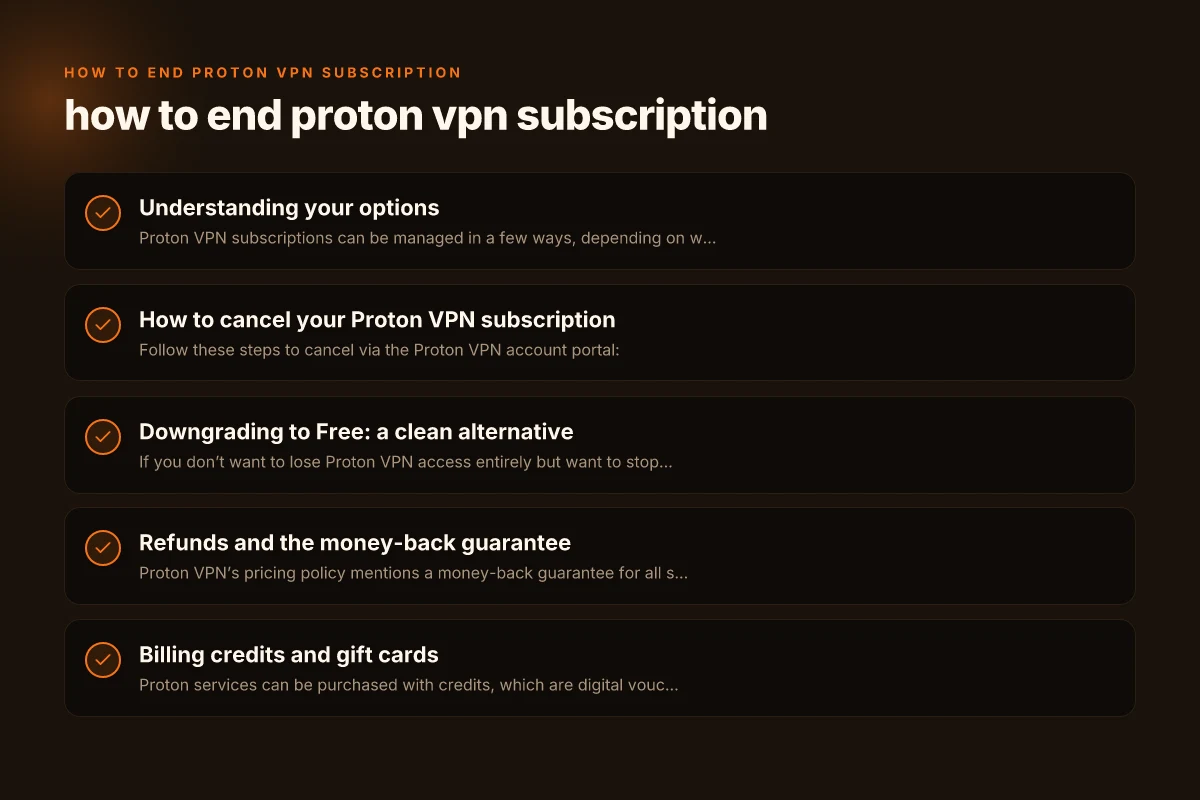
Proton VPN subscriptions can be managed in a few ways, depending on where you started and what you want to achieve. The core choices are:
- Cancel the subscription (stop auto-renewal. Access remains until the end of the current term, if applicable)
- Downgrade from a paid plan (Plus, Visionary, etc.) to Free
- Request a refund within the money-back window (usually within 30 days of purchase)
- Use account credits or gift cards if available to offset future charges
Key nuance: Proton VPN indicates you can cancel at any time, and there is a money-back guarantee for all subscriptions if requested within the first 30 days. Make sure you’re within that window if you’re seeking a refund.
How to cancel your Proton VPN subscription
Follow these steps to cancel via the Proton VPN account portal:
- Go to account.protonvpn.com and sign in with your Proton credentials.
- In the sidebar, choose Subscription.
- Scroll to Cancel subscription and click Continue.
- Select Cancel subscription and carefully read any cancellation terms.
- Confirm your choice.
What to expect after cancellation:
- Auto-renew is stopped for future charges.
- If your current term hasn’t expired, you may retain access until the end of that term, depending on Proton’s terms.
- You will be switched off the paid tier in your account and, in many cases, redirected to the Free plan unless you terminate entirely.
Common issues and fixes: How to change location on NordVPN
- If the Cancel subscription option isn’t visible, ensure you’re logged into the correct Proton account (the one attached to your subscription). If you have multiple accounts, sign out and back in with the right one.
- If you’re seeing an error, try another browser or clear cache, then attempt again.
- If a charge still appears after cancellation, contact Proton Support with your order details.
Downgrading to Free: a clean alternative
If you don’t want to lose Proton VPN access entirely but want to stop paying, downgrading to Free is a straightforward path. This preserves a no-cost tier with limited features compared to Plus or Visionary, but it avoids automatic renewal charges.
Steps to downgrade:
- Sign in at account.protonvpn.com.
- Access the Subscription section in the left sidebar.
- Look for downgrade or change plan options.
- Select Free and confirm.
What changes when you downgrade:
- Monthly or yearly billing stops (no further charges).
- Some advanced features tied to Plus/Visionary may be unavailable on Free.
- You retain basic VPN functionality with the current connection settings, but not all servers or speeds associated with paid plans.
A practical note: If your goal is to stop paying but still use Proton VPN, downgrading is often the simplest path. If you’re unsure about feature availability, review the Free plan limitations or test a session after downgrading to confirm it meets your needs.
Refunds and the money-back guarantee
Proton VPN’s pricing policy mentions a money-back guarantee for all subscriptions if requested within the first 30 days. If you’re within this window and want a refund: How to cancel ProtonVPN subscription
- Initiate cancellation as described above or contact Proton Support directly.
- Specify that you want a refund under the money-back guarantee.
- Provide your order number and the email on the Proton account to speed up processing.
What to expect from refunds:
- Refunds typically follow the payment method originally used for the purchase.
- Processing times can vary by payment provider, but you should receive confirmation from Proton and, subsequently, your bank or card issuer.
- If the 30-day window has passed, refunds aren’t guaranteed under Proton’s policy, though you can still cancel to stop future charges and use the free tier.
Tips to maximize refund success:
- Act quickly after purchase if you want a refund.
- Keep all receipts, order IDs, and confirmation emails handy.
- If you hit a denial, politely request escalation to a supervisor or the billing team with your case details.
Billing credits and gift cards
Proton services can be purchased with credits, which are digital vouchers, and there are gift cards as well. These financial tools interact with your account in a few ways:
- Credits can be applied toward a Proton subscription so you may reduce or offset future charges.
- Gift cards work similarly, providing pre-paid value that you can spend on Proton services.
- When canceling or downgrading, be aware of how credits your account currently holds may affect post-cancellation charges or the timing of refunds.
If you plan to continue using Proton VPN after canceling a paid plan, credits can help you bridge the gap if you want to switch to a lower-cost option or delay future renewal. If you’re not sure how credits will apply to your subscription after a change, check the Account and Billing help article for the most precise guidance.
What happens after cancellation or downgrade How to cancel Proton VPN subscription
| Action | Access impact | Feature availability | Data and devices | Next billing status | Support notes |
|---|---|---|---|---|---|
| Cancel | Free or end of term depending | Premium features removed | Existing data remains | Auto-terminate subscription | Check email for confirmation |
| Downgrade to Free | Free plan features only | No premium features | Data retained | No further charges | Access to limited services |
| Refund processed | Access ends per policy | Premium features removed | Data remains | Refund issued or pending | Follow up if delays |
Compiled November 2026; check the provider's site for current details.
A quick comparison: cancel vs. downgrade vs. refund
Here’s a concise comparison to help you decide which path fits your needs. This table highlights typical outcomes, not guarantees, since terms may change.
| Option | What happens | When it’s best | Potential downsides |
|---|---|---|---|
| Cancel subscription | Auto-renew stops; access may continue until end of current term | You want to stop charges immediately and don’t mind losing future access | If you relied on continued service after cancellation, you’ll lose paid features sooner than expected |
| Downgrade to Free | You retain free-tier access without payment | You want to keep VPN basics without paying | Limited features and server options; slower speeds on Free |
| Request refund | You get money back per 30-day policy | You’re within 30 days of purchase and unhappy with service | Refunds may take time; not guaranteed after 30 days |
| Use credits/gift cards | Pre-paid balance applies toward fees | You want to manage costs with prepaid value | Credits reduce flexibility if plans change or you want to re-up later |
Practical tips to avoid surprises
- Before you cancel, review your active term dates in your account. Some plans are annual, and canceling mid-term may still leave you with access through the end of the term.
- If you rely on Proton VPN for business or critical tasks, consider notifying other team members or your IT department before canceling, especially if you’re on a shared account.
- Check for any pending charges or prorated fees. In some cases, refunds might be prorated or subject to terms you agreed to at purchase.
- If you encounter issues canceling, use Proton’s support channels. They can guide you through the exact steps for your account version and billing region.
What happens after cancellation or downgrade
After you complete the cancellation or downgrade process, monitor your Proton VPN account for any changes in status:
- Your subscription status should reflect the change within the dashboard.
- Your access to Plus/Visionary servers and features will end if you downgrade or cancel, depending on your plan.
- Your device settings may retain connection configurations. You can remove or adjust them as needed.
If you rely on Proton VPN for security and privacy, remember that moving to a free tier still provides basic protection, but it won’t offer the same breadth of servers or performance as paid tiers.
Quick decision matrix How do i cancel my Proton VPN subscription
| Goal | Best option | Pros | Cons | Suitable if | Not suitable if |
|---|---|---|---|---|---|
| Stop charges now | Cancel now | Immediate stop to fees | End of term may be wasted | Want no more charges | Need ongoing access this term |
| Keep access at no cost | Downgrade to Free | No charges after downgrade | Lose premium features | Light usage, budget limits | Need premium features |
| Get money back | Refund | Money returned | Possible processing delay | Within refund window | Ineligible or outside window |
Compiled November 2026; check the provider's site for current details.
Final recommendation: choose the path that aligns with your goals
- If you want to stop paying and preserve as much functionality as possible, downgrading to Free is often the cleanest choice. It avoids ongoing charges and keeps you connected with basic VPN features.
- If you’re unhappy with the service and are within 30 days of purchase, request a refund under Proton’s money-back guarantee.
- If you need an immediate stop to charges and don’t mind losing paid features, cancel the subscription and keep an eye on your account for the end of the current term.
- If you have account credits or gift cards, consider how they can influence your next steps. They may help bridge the gap if you plan to re-subscribe later or switch plans.
In sum, Proton VPN provides clear routes to end, pause, or adjust your subscription. By following the official steps, either canceling, downgrading, or seeking a refund within the 30-day window, you can manage your VPN service in a way that fits your evolving needs. If you’re unsure, start with a downgrade to Free to test your needs without committing to a new payment plan, and revisit your decision after a trial period.
| VPN | From / month | Plan | Free plan | Refund | Alipay | UnionPay | Crypto | Website opens in China | Trustpilot | |
|---|---|---|---|---|---|---|---|---|---|---|
 Proton VPN | $2.99/mo | 12 months: $35.88 | Yes | 30 days | ✗ | ✗ | ✗ | ✓ | ✓ Yes (2.5 s) | 2.1/5 (1,040 reviews) |
 ZoogVPN | $2.49/mo | 27 months: $59.99 | Yes | 7 days | ✓ | ✓ | ✓ | ✓ | ✓ Yes (2.5 s) | 4.2/5 (195 reviews) |
 NordVPN | $3.49/mo | 27 months: $94.23 | No | 30 days | ? | ✗ | ✓ | ✓ | ✗ Blocked | 4.2/5 (51,628 reviews) |
 ExpressVPN | $3.00/mo | 28 months: $84 | No | 30 days | ✗ | ✗ | ✓ | ✗ | ✗ Blocked | 4.4/5 (29,706 reviews) |
 Surfshark | See site | See site | No | 30 days | ✗ | ✗ | ✗ | ✓ | ✗ Blocked | 4.3/5 (31,823 reviews) |
 Astrill VPN | $12.50/mo | 24 months: $300 | No | See site | ✗ | ✗ | ✗ | ✓ | ✗ Blocked | 1.3/5 (110 reviews) |
 Private Internet Access | $2.03/mo | 40 months: $81.2 | No | 30 days | ✗ | ✗ | ✗ | ✗ | ✗ Blocked | 4.2/5 (11,033 reviews) |
 CyberGhost | $2.19/mo | 28 months: $61.32 | No | 45 days | ✗ | ✗ | ✗ | ✓ | ✗ Blocked | 4.0/5 (24,178 reviews) |
 PureVPN | $1.69/mo | 60 months: $101.55 | No | 31 days | ? | ✗ | ✗ | ✓ | ✓ Yes (2.6 s) | 4.4/5 (17,994 reviews) |
 AdGuard VPN | $2.99/mo | 24 months: $71.76 | Yes | 30 days | ✓ | ✗ | ✓ | ✓ | Official site blocked; our special link opens (2.3 s) | 4.3/5 (290 reviews) |
 Mullvad | $5.61/mo | €5/mo | No | 14 days | ✗ | ✗ | ✗ | ✓ | ✗ Blocked | 3.2/5 (192 reviews) |
 Windscribe | $5.75/mo | 12 months: $69 | Yes | See site | ✗ | ✗ | ✗ | ✓ | ✗ Blocked | 4.7/5 (13,355 reviews) |
 StrongVPN | See site | See site | No | 30 days | ✓ | ✗ | ✗ | ✗ | ✗ Blocked | 4.4/5 (2,695 reviews) |
 LightXtreme 闪连 | $7.08/mo | 12 months: $84.99 | Yes | 30 days | ✓ | ✓ | ✓ | ✓ | ✓ Yes (2.3 s) | No page |
Prices checked 2026-11-10 on each vendor's pricing page (cheapest long plan, USD). Check the vendor's checkout for the final price.
Payment methods checked 2026-11-10 on each vendor's payment pages: all 14 take cards and PayPal; ✗ = not listed, ? = the vendor's own pages disagree.
China access: whether the official website opens from mainland China networks (tests the website only, not the VPN connection). Last checked 2026-11-11 04:07 Beijing time.
Trustpilot score and review count checked 2026-11-10.