How to get NordVPN token
A practical guide to obtaining a NordVPN access token for login, router setup, and non-GUI access.
NordVPN uses access tokens as a secure way to authenticate devices and apps without repeatedly entering credentials. If you’re configuring NordVPN on a router, a desktop app that supports token-based login, or other third-party integrations, you’ll often generate a token from your Nord Account. The process is designed to be straightforward, though the exact steps can vary slightly by device and NordVPN product version. Below is a consolidated, practical guide to obtaining and using a NordVPN token.

Comparison of token generation methods
| Method | Steps required | Security considerations | Token lifetime | Automation support | Recommended for |
|---|---|---|---|---|---|
| Nord Account token | 1. Sign in 2. Generate token | Strong: MFA advised | Short-lived | Limited | Personal use |
| API-based token (NordAPI) | 1. Enable API 2. Generate key | Strong: rotate keys | Adjustable | High | Developers / automation |
| ROPG token flow | 1. OAuth login 2. Exchange code | Moderate: secure storage | Medium | Moderate | Advanced users |
Compiled November 2026; check the provider's site for current details.
Before you start: prerequisites and security basics
- You need a valid NordAccount login. If you don’t have one, create an account at my.nordaccount.com.
- Your account must have the necessary permissions to generate tokens. Some corporate or family plans may have restrictions.
- Tokens are usually time-bound or scoped. Understand whether you need a one-time token or a token with ongoing validity for your setup.
- Treat tokens like passwords. Do not share them, and store them securely (eg, a password manager or an encrypted note).
What you’ll typically need
- Access to a device with a web browser or the NordVPN app that can navigate to the token generation page.
- The NordVPN app or your router’s firmware that supports token-based authentication.
- If using a router or third-party app, confirm compatibility with NordVPN’s token method.
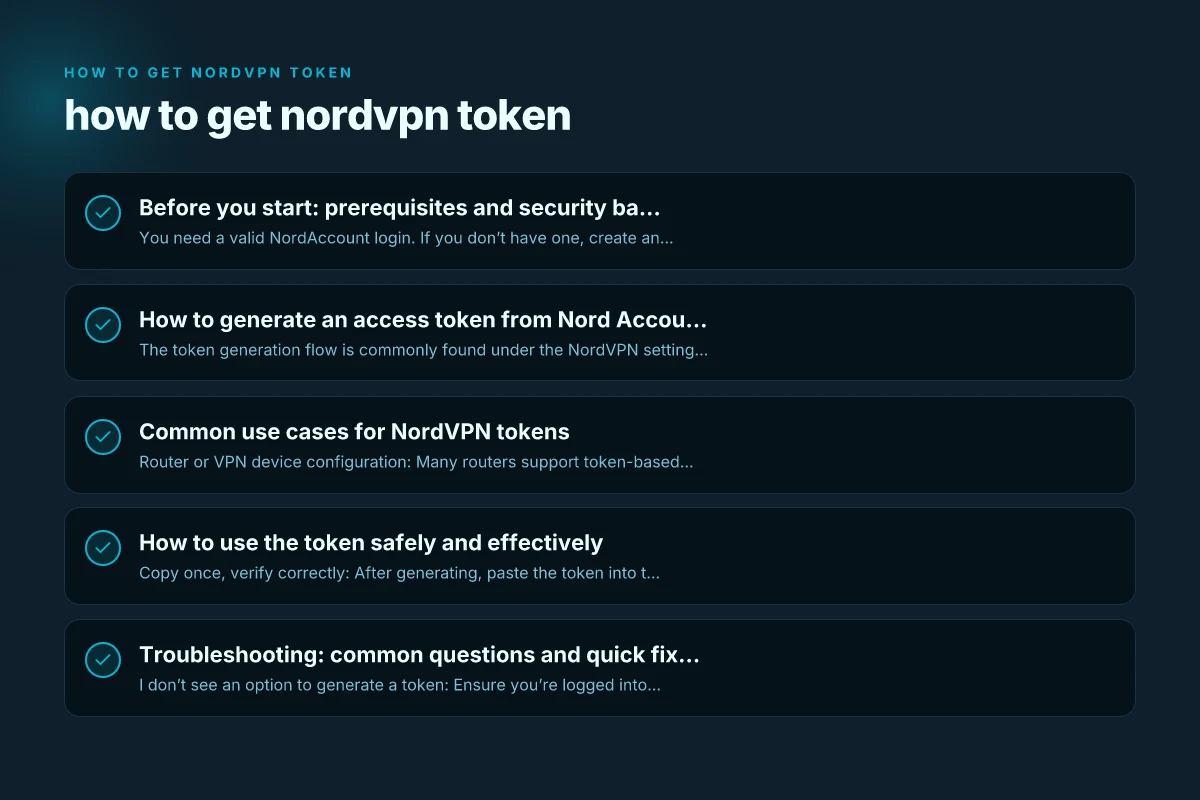
How to generate an access token from Nord Account
The token generation flow is commonly found under the NordVPN settings related to advanced access or token-based login. The exact wording can vary by version. The general steps are:
- Sign in to your Nord Account at my.nordaccount.com.
- Navigate to the NordVPN section or the section that mentions “Advanced settings,” “Get access token,” or “Security / Tokens.”
- Look for an option like “Generate new token” or “Create token.”
- Click the button to generate. Some interfaces may require you to name the token (for example, “Router01” or “HomeServer”).
- Copy the token immediately and store it securely. Some interfaces display the token only once.
Notes:
- If you don’t see “Get access token,” you may need to enable advanced settings or verify your identity again.
- Tokens may include scopes or expiration dates. Choose a scope that matches your device’s needs and set a reasonable expiration if available.
Common use cases for NordVPN tokens
- Router or VPN device configuration: Many routers support token-based login as an alternative to entering a username/password.
- Non-GUI or headless devices: Servers, NAS systems, or IoT devices often require token-based authentication for VPN setup.
- Automated deployments: Scripts and automation tools can authenticate using a token rather than interactive login.
Typical workflows
- Router setup: Enter the token in the router’s NordVPN configuration field that asks for “Access Token” or “Login Token.”
- Desktop or mobile app with token support: When prompted for login, choose “Token” instead of password-based login and paste the token.
- API or integration: Use the token in the Authorization header as a Bearer token if the integration supports it.
Comparison of use cases for NordVPN tokens
| Use case | Token type best fit | Access scope | Best for | Limitations | Security note |
|---|---|---|---|---|---|
| Remote access to devices | Nord Account token | Per-device | Small teams | Short-lived | MFA recommended |
| CLI automation for VPN ops | API-based token | Granular scopes | Sysadmins | Setup complexity | Rotate tokens |
| Router integration | Token with router support | Network-wide | Home/SMB network | Router compatibility | Check firmware |
Compiled November 2026; check the provider's site for current details.
How to use the token safely and effectively
- Copy once, verify correctly: After generating, paste the token into the target device or app exactly as shown.
- Short-lived vs long-lived: If your token has an expiration, plan for renewal workflows. For critical setups, prefer tokens with longer validity but ensure you have a renewal process.
- Access scope: If possible, restrict the token’s scope to the minimum required (for example, read-only if supported) to reduce potential impact if compromised.
- Rotation plan: Periodically rotate tokens and revoke old ones to maintain security hygiene.
- Revocation: If you suspect a token was exposed, revoke it immediately from the Nord Account dashboard.
Troubleshooting: common questions and quick fixes
- I don’t see an option to generate a token: Ensure you’re logged into the correct Nord Account, and check under Settings/Advanced/Token options. Some accounts may have restrictions. Contact support if needed.
- The token doesn’t work in my device: Check token type (Bearer vs other formats), verify you’re using the right token for the target service, and confirm expiration date. Some devices require a fresh token after a reset.
- I generated a token but can’t locate it: Tokens are often shown once when created. If you missed it, revoke any existing tokens and generate a new one.
Table: token vs username/password login at a glance How to end Proton VPN subscription
| Aspect | Token-based login | Username/password login |
|---|---|---|
| Setup ease | Typically quick after token generation | Immediate if credentials are known |
| Security risk | Higher if token exposed; rotate regularly | Password exposure risk; can be mitigated with MFA |
| Best use case | Headless devices, routers, automation | Regular human access via NordVPN apps |
| Expiration | Can be set or default; may require renewal | Usually long-term unless changed |
Special notes for TP-Link and router integrations
Some router manufacturers, including TP-Link, document how to obtain an Access Token for NordVPN to enable manual setup. The general flow remains the same: log in to your NordVPN account, locate the token section, generate a new token, and configure the token on the router. If you’re following manufacturer-specific guides, compare their exact UI labels to the NordVPN prompts (the wording may differ slightly between brands and firmware versions).
- TP-Link example: Access Token is generated from your NordVPN account by going to the NordVPN setup or tokens area and selecting “Generate new token.” You then copy the token to paste into the router’s NordVPN configuration page.
- Always verify compatibility: Some router firmware may have specific requirements or limitations on token scope and expiration. Consult the router’s user guide for token-based configuration details.
How to revoke or renew tokens
- Revoke: If you believe a token has been compromised, revoke it from your Nord Account dashboard under the token management area.
- Renew: If your token expires or you need a fresh token for a new device, generate a new one and update the device configuration.
- Maintain a rotation schedule: Establish a policy to review tokens periodically and rotate them as part of routine security.
Comparison of revocation, renewal, and safety practices
| Action | Where to perform | Typical interval | Impact on devices | Recovery options | User effort |
|---|---|---|---|---|---|
| Revoke token | Nord Account / admin portal | As needed | Disconnects sessions | Revocation verified | Low to medium |
| Renew token | Admin portal / API call | Before expiry | Maintains access | Re-issue if lost | Low |
| Rotate tokens | Automated/scripted | Periodically | Reduces risk | Keys updated | Medium |
| Store securely | Local vault / password manager | Ongoing | Reduces leakage | Backup required | Low |
Compiled November 2026; check the provider's site for current details.
Final recommendations
- Use tokens for devices and setups that truly need non-GUI or automated login, such as routers or headless servers.
- Keep a secure inventory of tokens (name, device, expiration, scopes) and plan renewals to avoid downtime.
- Prefer tokens with the minimum necessary permissions and shortest practical expiration when you can control it.
- If you’re unsure about token scope or expiration, contact NordVPN support or consult the official help articles to confirm the best practice for your specific device and firmware version.
If you’re setting up NordVPN on a router or a device that supports token-based login, generating and using a NordVPN token is the recommended path for secure, automated connections. Always follow official NordVPN documentation for the exact steps in your product version, and treat tokens with the same care as you would a password.
| VPN | From / month | Plan | Free plan | Refund | Alipay | UnionPay | Crypto | Website opens in China | Trustpilot | |
|---|---|---|---|---|---|---|---|---|---|---|
 NordVPN | $3.49/mo | 27 months: $94.23 | No | 30 days | ? | ✗ | ✓ | ✓ | ✗ Blocked | 4.2/5 (51,628 reviews) |
 ZoogVPN | $2.49/mo | 27 months: $59.99 | Yes | 7 days | ✓ | ✓ | ✓ | ✓ | ✓ Yes (2.5 s) | 4.2/5 (195 reviews) |
 ExpressVPN | $3.00/mo | 28 months: $84 | No | 30 days | ✗ | ✗ | ✓ | ✗ | ✗ Blocked | 4.4/5 (29,706 reviews) |
 Surfshark | See site | See site | No | 30 days | ✗ | ✗ | ✗ | ✓ | ✗ Blocked | 4.3/5 (31,823 reviews) |
 Proton VPN | $2.99/mo | 12 months: $35.88 | Yes | 30 days | ✗ | ✗ | ✗ | ✓ | ✓ Yes (2.5 s) | 2.1/5 (1,040 reviews) |
 Astrill VPN | $12.50/mo | 24 months: $300 | No | See site | ✗ | ✗ | ✗ | ✓ | ✗ Blocked | 1.3/5 (110 reviews) |
 Private Internet Access | $2.03/mo | 40 months: $81.2 | No | 30 days | ✗ | ✗ | ✗ | ✗ | ✗ Blocked | 4.2/5 (11,033 reviews) |
 CyberGhost | $2.19/mo | 28 months: $61.32 | No | 45 days | ✗ | ✗ | ✗ | ✓ | ✗ Blocked | 4.0/5 (24,178 reviews) |
 PureVPN | $1.69/mo | 60 months: $101.55 | No | 31 days | ? | ✗ | ✗ | ✓ | ✓ Yes (2.6 s) | 4.4/5 (17,994 reviews) |
 AdGuard VPN | $2.99/mo | 24 months: $71.76 | Yes | 30 days | ✓ | ✗ | ✓ | ✓ | Official site blocked; our special link opens (2.3 s) | 4.3/5 (290 reviews) |
 Mullvad | $5.61/mo | €5/mo | No | 14 days | ✗ | ✗ | ✗ | ✓ | ✗ Blocked | 3.2/5 (192 reviews) |
 Windscribe | $5.75/mo | 12 months: $69 | Yes | See site | ✗ | ✗ | ✗ | ✓ | ✗ Blocked | 4.7/5 (13,355 reviews) |
 StrongVPN | See site | See site | No | 30 days | ✓ | ✗ | ✗ | ✗ | ✗ Blocked | 4.4/5 (2,695 reviews) |
 LightXtreme 闪连 | $7.08/mo | 12 months: $84.99 | Yes | 30 days | ✓ | ✓ | ✓ | ✓ | ✓ Yes (2.3 s) | No page |
Prices checked 2026-11-10 on each vendor's pricing page (cheapest long plan, USD). Check the vendor's checkout for the final price.
Payment methods checked 2026-11-10 on each vendor's payment pages: all 14 take cards and PayPal; ✗ = not listed, ? = the vendor's own pages disagree.
China access: whether the official website opens from mainland China networks (tests the website only, not the VPN connection). Last checked 2026-11-11 04:07 Beijing time.
Trustpilot score and review count checked 2026-11-10.