NordVPN dedicated IP
A complete guide to NordVPN dedicated IP: what it is, what it does, who needs it, and how it compares to shared IPs.
NordVPN dedicated IP is a feature that assigns you a personal, static IP address for VPN use. Unlike the standard shared pool of IPs that rotate as you connect, a dedicated IP is reserved for you alone. This makes your online presence more predictable to destinations that rely on an IP reputation, and it can simplify certain technical setups. Below, you’ll find what it is, how it works, who benefits, and practical guidance on whether it’s worth the investment.

Comparison of NordVPN dedicated IP vs. shared IP
| Feature | Dedicated IP | Shared IP | Notes |
|---|---|---|---|
| Primary use case | Fixed address for services | Rotating or common IP | |
| Price indicator | Higher cost | Lower cost | |
| IP availability | One dedicated address | Multiple users share | |
| Access to geo-restrictions | Consistent access | Varies by user pool | |
| VPN server options | Narrowed to own IP | Broad server pool | |
| Risk of blacklisting | Lower risk (own IP) | Higher risk (shared) | |
| Setup complexity | Moderate | Minimal | |
| Device compatibility | Wide | Wide | |
| Customer support focus | IP management | General VPN support |
Compiled November 2026; check the provider's site for current details.
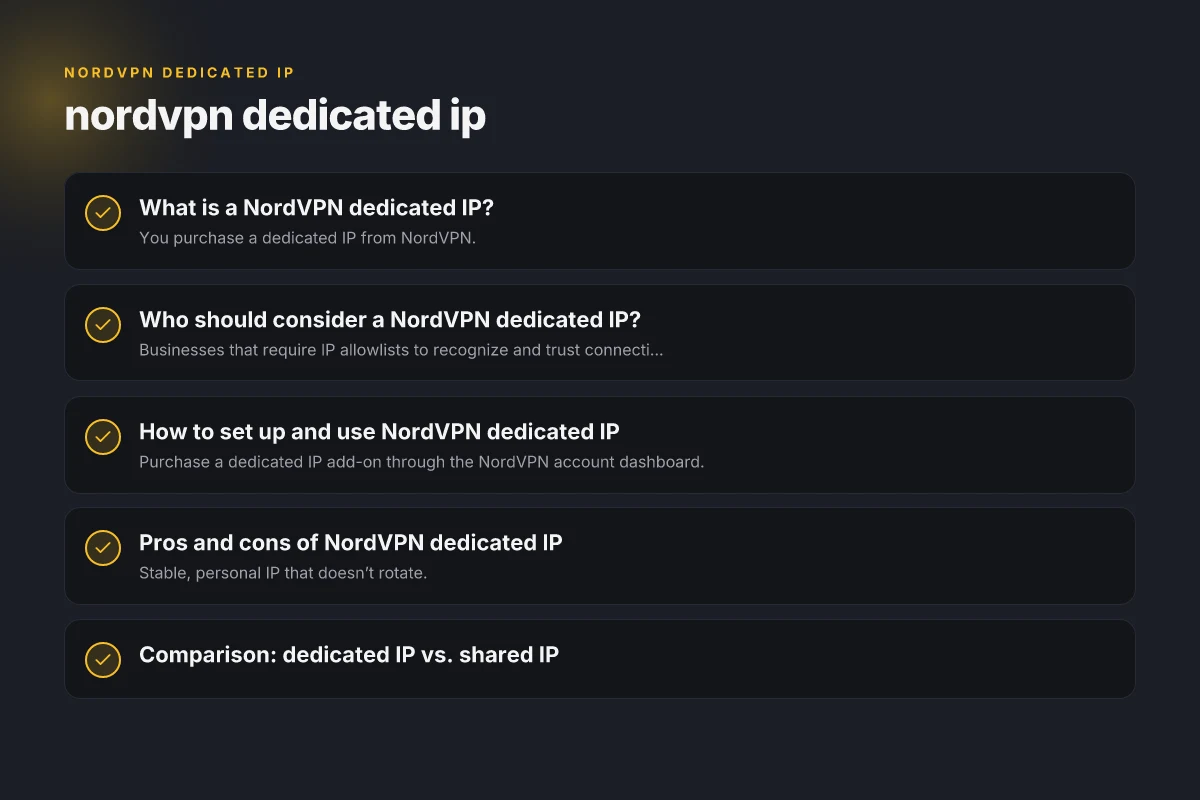
What is a NordVPN dedicated IP?
How it works
- You purchase a dedicated IP from NordVPN.
- The service assigns a single IP address to your account.
- When you connect to the NordVPN network, you’re connected through that same, personal IP.
- The app’s “Dedicated IP” section handles the connection to the assigned server automatically.
Key differences from shared IP
- Shared IP: A pool of IPs used by many users; IPs can change with connections.
- Dedicated IP: One fixed IP for your account. More predictable for certain targets.
Common benefits cited
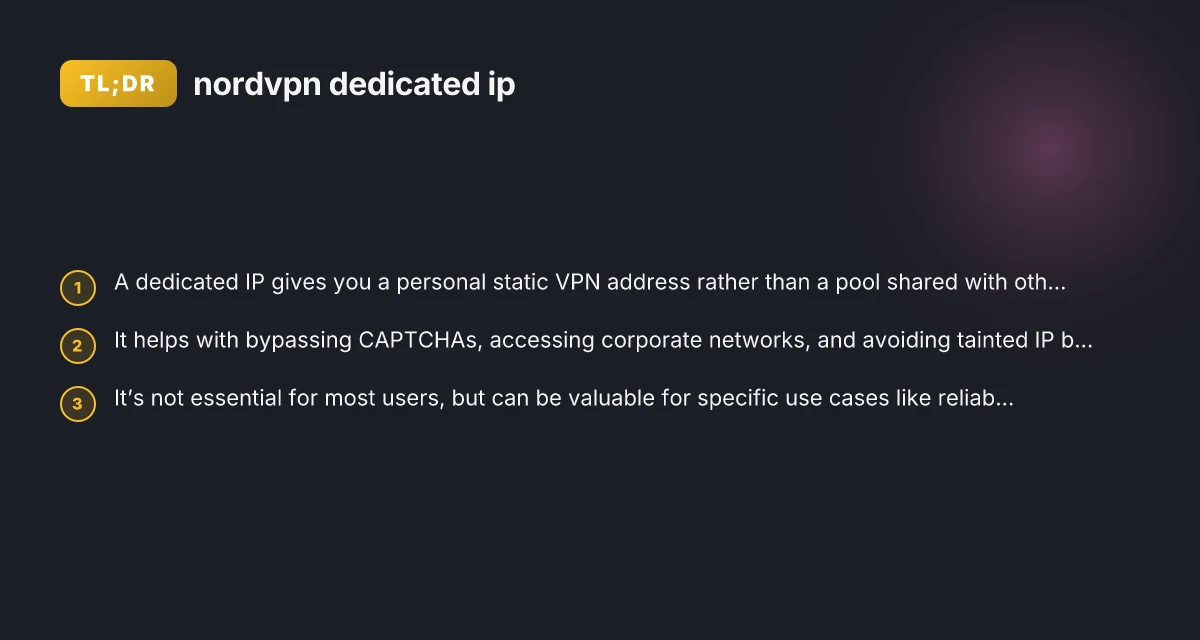
- Bypassing CAPTCHAs more reliably on some sites.
- Easier access for corporate networks or systems with IP allowlists.
- Reduced risk of being blocked due to other users’ misbehavior on shared IPs.
Who should consider a NordVPN dedicated IP?
Ideal use cases
- Businesses that require IP allowlists to recognize and trust connections.
- Individuals who need stable access to corporate VPNs or intranets from remote locations.
- Developers or automation scripts that benefit from a predictable exit IP for whitelisting or rate-limiting avoidance.
- People who frequently encounter anti-bot or CAPTCHA challenges and want smoother access to certain sites.
Less-needed scenarios
- General streaming, browsing, or casual use tends to work well with shared IPs.
- Users who don’t rely on corporate networks or strict IP allowlists.
- Those who don’t want to pay the extra monthly or annual fee.
Practical considerations
- Dedicated IPs can help with consistency when whitelisting is important.
- Some sites may still block or throttle regardless of IP type. Results vary by service.
- Setup and maintenance are usually straightforward, but the value hinges on your use case.
How to set up and use NordVPN dedicated IP
Getting the IP
- Purchase a dedicated IP add-on through the NordVPN account dashboard.
- NordVPN assigns a personal static IP address once the request is processed.
Connecting
- Open the NordVPN app.
- Go to the Dedicated IP section.
- The app will automatically connect you to the assigned server using your dedicated address.
Tips for a smooth experience
- Ensure your destinations (sites, services) are configured to recognize the dedicated IP.
- If you have multiple devices, consider whether you need a dedicated IP per device or one per account.
- Keep your NordVPN app updated to benefit from any improvements in the dedicated IP workflow.
Pros and cons of NordVPN dedicated IP
Pros
- Stable, personal IP that doesn’t rotate.
- Easier access to IP-restricted services and corporate resources.
- Potentially fewer CAPTCHA challenges on some sites.
- Helpful for activities that require IP reputation control or whitelisting.
Cons
- Additional cost beyond standard VPN plan.
- No guarantee of universal bypass. Some sites still employ sophisticated bot and anti-fraud systems.
- Might be overkill for casual users or those who don’t rely on IP allowlists.
What to consider when deciding to use a NordVPN dedicated IP
| Consideration | Description | Beneficial for | Potential drawback | Alternatives | Decision cue |
|---|---|---|---|---|---|
| Access needs | Fixed IP required | Online banking, remote work | Higher cost | Shared IP | If you need stable whitelisting |
| Privacy impact | Personal IP exposure | Sensitive services | Less anonymous than shared | Shared IP with fewer whitelists | If privacy is priority |
| Security benefits | Consistent identity | Anti-fraud apps | Targeted tracking possible | Regular IPs | If you worry about tracking |
| Technical setup | Requires config | Desktop/mobile | Setup steps | Auto-connect | If you can configure VPN |
| Reliability | Stable connection | Long sessions | Single point of failure | Rotating IPs | If uptime matters |
| Compliance needs | Whitelisting allowed | Finance, corporate | Policy constraints | Shared IP | If org policies demand fixed IP |
| Cost-benefit | Budget impact | Businesses | Extra monthly cost | Free trials | If ROI justifies it |
Compiled November 2026; check the provider's site for current details.
Comparison: dedicated IP vs. shared IP
| Feature | Dedicated IP | Shared IP |
|---|---|---|
| IP address type | Personal, static | Pool, dynamic |
| Availability | Reserved for you | Rotates among users |
| CAPTCHA experience | Potentially smoother on certain sites | Varies with traffic and sites |
| Access to whitelisted services | Improved if allowlisted | Can be challenging if IP blocked |
| Cost | Higher (add-on) | Included with standard plans |
| Setup complexity | Moderate (per account) | Minimal; automatic with app |
Security, privacy, and tracking considerations
- Does a dedicated IP reveal more about you? Not inherently. You still benefit from NordVPN’s encryption and the masking of your original IP.
- FBI or law enforcement tracking: NordVPN, like other reputable VPNs, can provide user data only in accordance with legal process and company policy. This is not a guarantee of anonymity, but it’s the same for any reputable VPN that logs or preserves data to a certain extent.
- ISP visibility: Your ISP still knows you’re connected to NordVPN, but they can’t see the content or the final destinations beyond the encrypted tunnel.
- The presence of a dedicated IP does not transform a VPN into invincible anonymity. It simply changes the IP address attribution for traffic leaving NordVPN’s network.
Note: If you’re concerned about legal or regulatory questions (for instance, compliance for corporate use), consult your internal security policy or a qualified advisor before enabling dedicated IP.
Quick comparison table – Dedicated IP vs. Shared IP features
| Feature | Dedicated IP | Shared IP | Recommended when | Notes |
|---|---|---|---|---|
| IP stability | Yes | No | Need consistent address | |
| Billing model | Separate license | Included with plan | Clear budgeting | |
| IP reputation control | Yes | No | Avoid blacklists | |
| Access consistency | Yes | No | Restricted services | |
| anonymity level | Moderate (own IP) | Higher anonymity risk | When privacy is a concern | |
| Setup complexity | Moderate | Simple | You can configure sometimes |
Compiled November 2026; check the provider's site for current details. NordVPN for gaming
Real-world considerations and experiences
- Some users report bypassing certain CAPTCHA workflows with a dedicated IP, but results vary by site and implementation.
- For corporate access, a dedicated IP can reduce friction when an enterprisewide allowlist is in place.
- For casual streaming or general browsing, the added cost may not justify the benefit.
- Reviews and forum discussions often reflect mixed opinions. Your mileage will depend on your specific sites, services, and how they handle IP-based restrictions.
If you’re deciding whether a NordVPN dedicated IP is worth it, weigh the price against the rigidity of your access requirements. If you frequently need to reach IP-restricted services or corporate resources that require a consistent exit address, it can be a meaningful upgrade. If your online routine is largely consumer-grade and you don’t rely on IP allowlists, a shared IP experience is typically sufficient.
Recommendation: For most everyday VPN users, the dedicated IP is not necessary. If you operate in a domain where IP allowlists, automated access to certain services, or reduced CAPTCHA friction matters, such as remote workers, developers, or small businesses with strict whitelisting needs, the dedicated IP can offer tangible value. Before buying, assess your actual use cases, test feasibility if possible through a trial or short-term plan, and compare it against the added cost to ensure it aligns with your needs. If you decide to proceed, follow NordVPN’s official Dedicated IP setup flow in your app to connect to your assigned address quickly and securely.
| VPN | From / month | Plan | Free plan | Refund | Alipay | UnionPay | Crypto | Website opens in China | Trustpilot | |
|---|---|---|---|---|---|---|---|---|---|---|
 NordVPN | $3.49/mo | 27 months: $94.23 | No | 30 days | ? | ✗ | ✓ | ✓ | ✗ Blocked | 4.2/5 (51,628 reviews) |
 ZoogVPN | $2.49/mo | 27 months: $59.99 | Yes | 7 days | ✓ | ✓ | ✓ | ✓ | ✓ Yes (2.5 s) | 4.2/5 (195 reviews) |
 ExpressVPN | $3.00/mo | 28 months: $84 | No | 30 days | ✗ | ✗ | ✓ | ✗ | ✗ Blocked | 4.4/5 (29,706 reviews) |
 Surfshark | See site | See site | No | 30 days | ✗ | ✗ | ✗ | ✓ | ✗ Blocked | 4.3/5 (31,823 reviews) |
 Proton VPN | $2.99/mo | 12 months: $35.88 | Yes | 30 days | ✗ | ✗ | ✗ | ✓ | ✓ Yes (2.5 s) | 2.1/5 (1,040 reviews) |
 Astrill VPN | $12.50/mo | 24 months: $300 | No | See site | ✗ | ✗ | ✗ | ✓ | ✗ Blocked | 1.3/5 (110 reviews) |
 Private Internet Access | $2.03/mo | 40 months: $81.2 | No | 30 days | ✗ | ✗ | ✗ | ✗ | ✗ Blocked | 4.2/5 (11,033 reviews) |
 CyberGhost | $2.19/mo | 28 months: $61.32 | No | 45 days | ✗ | ✗ | ✗ | ✓ | ✗ Blocked | 4.0/5 (24,178 reviews) |
 PureVPN | $1.69/mo | 60 months: $101.55 | No | 31 days | ? | ✗ | ✗ | ✓ | ✓ Yes (2.6 s) | 4.4/5 (17,994 reviews) |
 AdGuard VPN | $2.99/mo | 24 months: $71.76 | Yes | 30 days | ✓ | ✗ | ✓ | ✓ | Official site blocked; our special link opens (2.3 s) | 4.3/5 (290 reviews) |
 Mullvad | $5.61/mo | €5/mo | No | 14 days | ✗ | ✗ | ✗ | ✓ | ✗ Blocked | 3.2/5 (192 reviews) |
 Windscribe | $5.75/mo | 12 months: $69 | Yes | See site | ✗ | ✗ | ✗ | ✓ | ✗ Blocked | 4.7/5 (13,355 reviews) |
 StrongVPN | See site | See site | No | 30 days | ✓ | ✗ | ✗ | ✗ | ✗ Blocked | 4.4/5 (2,695 reviews) |
 LightXtreme 闪连 | $7.08/mo | 12 months: $84.99 | Yes | 30 days | ✓ | ✓ | ✓ | ✓ | ✓ Yes (2.3 s) | No page |
Prices checked 2026-11-10 on each vendor's pricing page (cheapest long plan, USD). Check the vendor's checkout for the final price.
Payment methods checked 2026-11-10 on each vendor's payment pages: all 14 take cards and PayPal; ✗ = not listed, ? = the vendor's own pages disagree.
China access: whether the official website opens from mainland China networks (tests the website only, not the VPN connection). Last checked 2026-11-11 04:07 Beijing time.
Trustpilot score and review count checked 2026-11-10.