Microsoft Edge secure network VPN

A clear look at Microsoft Edge Secure Network VPN, what it does, its limits, setup, and what it means for privacy and device-wide protection.
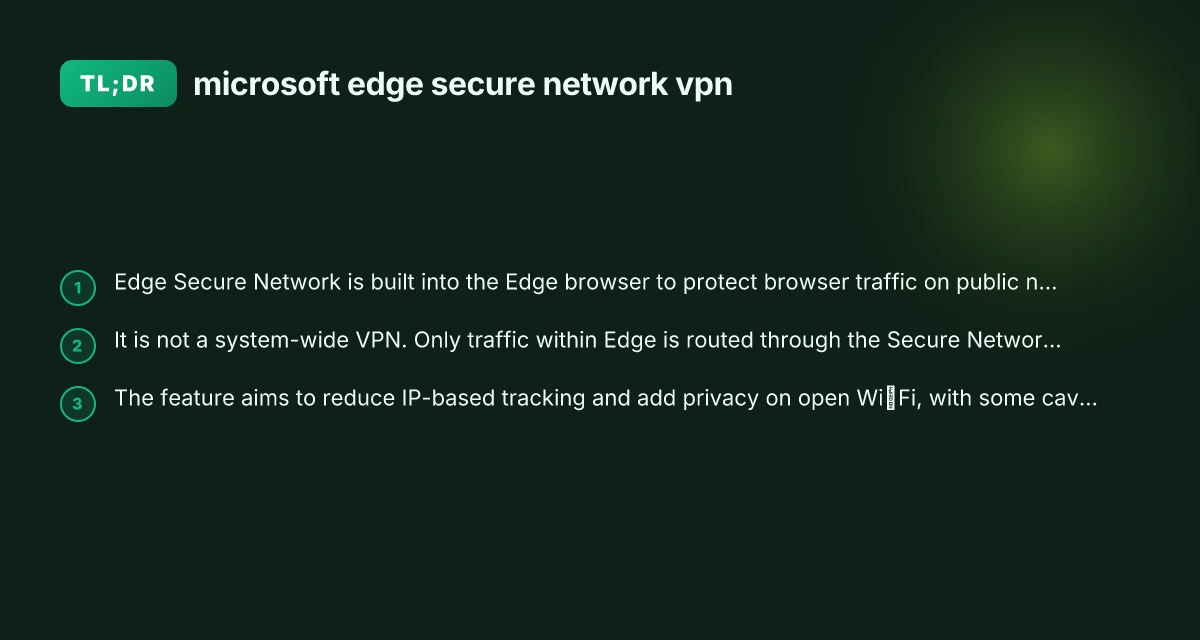
Edge Secure Network VPN is a feature integrated into the Microsoft Edge browser that aims to add a layer of privacy for browsing, especially when you’re on open or public networks. It uses VPN-like technology to shield traffic that travels from the Edge browser, aiming to reduce exposure to IP-based tracking and improve security on untrusted networks. It’s designed to be convenient for users who want extra privacy while browsing without installing a separate VPN client. However, it’s important to understand what it can and cannot do for you, and how it fits into a broader privacy and security strategy.

Feature comparison (Edge Secure Network VPN vs alternatives)
| Feature | Edge Secure Network VPN | Traditional VPN | No VPN (direct connection) | Proxy/VPN-lite |
|---|---|---|---|---|
| Encryption strength | AES-256 | AES-256 or higher | None | Varies |
| Tunneling | Built-in secure tunnel | Yes | No | Yes (proxy) |
| Data privacy scope | Per-app or per-device depending | Per-connection | Minimal | Per-request |
| DNS handling | Protected DNS (split or full) | Reveal DNS typically | DNS visible | DNS through proxy |
| Performance impact | Moderate | Moderate to high | Low | Low to moderate |
| Platform support | Edge/Windows ecosystem | Mulitple platforms | Varies by app | Browser-based or app-based |
| Ease of enablement | Simple in Edge | Setup required | No setup | Quick, limited control |
| Logging policy granularity | Edge-specific | Vendor-wide | No logs by default | Limited logs |
| Use case suited | Browsing security, corporate access | Full network access | No VPN needed | Bypassing geo-blocks via proxy |
Compiled November 2026; check the provider's site for current details.
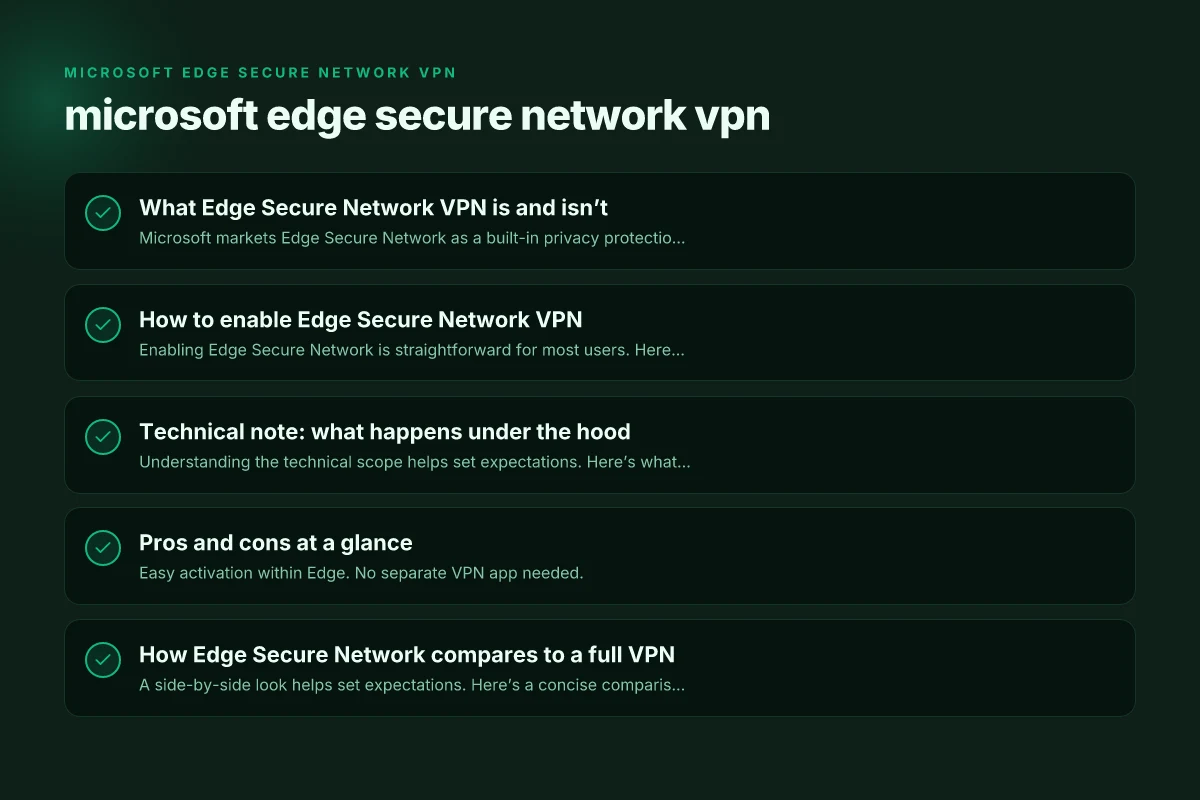
What Edge Secure Network VPN is and isn’t
Microsoft markets Edge Secure Network as a built-in privacy protection feature. It uses VPN technology to route browser traffic through an intermediary service, which can mask your IP address and encrypt data in transit on public networks. There are a few key realities to keep in mind:
- It is built into Edge. You enable it from within the browser’s settings.
- It targets Edge browser traffic. Other apps on your device will not automatically route through this VPN.
- It provides encryption for data in transit when Edge is using the feature on public networks.
- It is not a full system-wide VPN. If you sign into other apps or use other browsers, their traffic may not be protected by Edge Secure Network.
For many users, that combination offers meaningful privacy gains for everyday browsing on public Wi‑Fi or compromised networks, with the convenience of a single-click enablement.
How to enable Edge Secure Network VPN
Enabling Edge Secure Network is straightforward for most users. Here is a typical path you’ll take:
- Open Microsoft Edge and go to Settings.
- Navigate to Privacy, Search, and Services.
- Look for a section labeled Microsoft Edge Secure Network or similar wording.
- Toggle the feature on. You may be prompted to sign in with a Microsoft account to unlock full functionality or to accept terms.
- If you’re in a managed environment (work or school), your administrator may control whether this feature is available.
Once enabled, Edge routes the browser’s traffic through its Secure Network service, adding an extra layer of privacy for pages you visit and data sent while browsing.
If you ever need to turn it off, you can return to the same menu and switch it off. Some organizations using managed devices may have policies that prevent turning it off without administrator approval. NordVPN discount: how to get the best deals on NordVPN in 2026
Technical note: what happens under the hood
Understanding the technical scope helps set expectations. Here’s what occurs when Edge Secure Network is active:
- Traffic redirection: Browser requests, including HTTPs sessions, are routed via Edge’s secure network service. This masks your apparent IP from the target websites and services you visit.
- Encryption in transit: Data traveling between your device and the Secure Network service is encrypted, adding a layer of protection on untrusted networks.
- Edge-centric coverage: Only Edge traffic benefits from this route. Other applications on the device continue to use your normal network paths unless you install a broader VPN.
- IP-based tracking reduction: With a different public IP exposed to sites you visit, some fingerprinting vectors can be mitigated, though no service can eliminate all forms of tracking.
This setup emphasizes convenience and browser-level privacy, which can be a good fit for users who primarily browse through Edge on open networks.
Pros and cons at a glance
Pros
- Easy activation within Edge. No separate VPN app needed.
- Browser-level privacy shield on public or untrusted networks.
- Potential reduction in IP-based tracking for Edge sessions.
- Good for quick privacy gains during casual browsing.
Cons
- Not a system-wide VPN. Apps outside Edge aren’t protected.
- Some sites or services may detect or block VPN-like traffic or require Edge-specific settings.
- The feature’s availability and behavior can depend on account type (personal vs. enterprise) and regional policies.
- Privacy gains depend on how you use your device. Other tracking vectors (web trackers, device fingerprinting) remain.
If you rely on privacy across your entire device and multiple apps, you’ll want to pair Edge Secure Network with additional privacy practices or a full-system VPN. Protonvpn not opening heres how to fix it fast
How Edge Secure Network compares to a full VPN
A side-by-side look helps set expectations. Here’s a concise comparison table you can skim.
Table: Edge Secure Network vs. Full VPN (summary)
- Scope
- Edge Secure Network: Browser-level, Edge only.
- Full VPN: System-wide, all apps and traffic.
- Traffic coverage
- Edge Secure Network: Browser traffic only.
- Full VPN: All network traffic from device.
- Platform integration
- Edge Secure Network: Integrated in Edge, easy to enable.
- Full VPN: Separate service or app, may require subscriptions.
- Privacy implications
- Edge Secure Network: Reduces exposure in Edge, may lessen IP-based tracking for browser activity.
- Full VPN: Broad privacy and security protection for all online activity, depending on service.
- Control and policy
- Edge Secure Network: Can be controlled per-browser and by organization policies.
- Full VPN: Managed by the VPN provider and device-level settings.
This table illustrates that Edge Secure Network offers targeted privacy improvements for Edge users, while a full VPN covers broader device-wide traffic and apps.
Common questions and answers
Q: Is Edge Secure Network VPN free?
- Edge Secure Network often appears as a built-in feature with certain usage quotas or terms tied to a Microsoft account. Some services indicate it’s free for basic use, with possible limits or paid upgrades for extended features. Exact pricing or quota details can change, so check the current Microsoft Edge help articles or the settings panel in your Edge browser for the latest information.
Q: How do I turn on VPN on Microsoft Edge? Norton vpn region not working heres how to fix it fast: Fast, Friendly Guide to Get Around VPN Region Blocks
- Open Edge settings, go to Privacy, Search, and Services, and locate Microsoft Edge Secure Network. Toggle it on. If you don’t see the option, it may be unavailable in your region or due to administrator policies on a managed device.
Q: Why did people stop using Microsoft Edge?
- Browsers compete for speed, features, and privacy. Some users switch away from Edge for preference, compatibility, or performance reasons. Edge remains a popular choice for many due to its tight integration with Windows, built-in features like Secure Network, and strong security posture.
Q: How do I turn off VPN in Microsoft Edge?
- Return to the same Edge settings area where you enabled Secure Network and toggle it off. Some environments with device management may enforce settings. If so, you might need administrator permission.
Q: Does Edge Secure Network protect all my devices and accounts?
- No. It protects only Edge browser traffic on devices where the feature is enabled. If you want blanket protection for apps and system-wide activity, you’d need a full-device VPN solution.
Pros and cons at a glance (Edge Secure Network VPN vs traditional VPN)
| Aspect | Edge Secure Network VPN (pros) | Edge Secure Network VPN (cons) | Traditional VPN (pros) | Traditional VPN (cons) |
|---|---|---|---|---|
| Privacy control | Localized to Edge features | Edge-centric | Broader vendor options | Potentially broader logging |
| Setup time | Quick enable in Edge | Limited to Edge ecosystem | Flexible deployment | More setup effort |
| Network performance | Balanced for most users | Might reduce speed on busy networks | Strong throughput with dedicated plans | Higher overhead, more latency |
| Security features | Built-in security, DNS protection | Limited OS-wide coverage | Mature crypto, broad protections | Possible IP leaks if misconfigured |
| Compatibility | Best with Edge on Windows | Not OS-agnostic | Works across devices | App-based limitations |
| Cost | Often included with Edge | Potential enterprise costs | Subscription vary | Extra cost for VPN services |
Compiled November 2026; check the provider's site for current details. La vpn si disconnette spesso ecco perche succede e come risolvere definitivamente
Privacy, security, and best practices
Edge Secure Network is one tool among many for preserving privacy online. To maximize protection, consider:
- Use Edge’s privacy controls: Block trackers, manage cookies, and adjust site permissions in Privacy, Search, and Services.
- Combine with a reputable full-device VPN if you need system-wide protection for work, travel, or sensitive tasks.
- Practice safe browsing habits: avoid suspicious links, keep software up to date, and use strong authentication methods.
- Regularly review permissions: Some sites and extensions can access more data than you intend. Audit these routinely.
- Consider a layered approach: Browser-level privacy features, system-wide security measures, and robust endpoint protection together create a stronger privacy posture.
Practical tips for different users
- Casual browsing on public Wi‑Fi: Edge Secure Network can be a helpful privacy boost. Enable it when you’re on a cafe, hotel, or airport network, and disable it when you don’t need it to minimize any potential impacts on performance.
- Work devices with IT control: If you’re in a corporate environment, your IT admin may manage Edge features. If Secure Network is disabled or restricted, consult IT to understand policy implications and alternatives.
- Privacy-conscious users with multiple devices: If you use Edge on Windows, macOS, or mobile, you’ll get browser-level protection on each platform where Edge is installed. A separate VPN app can complement this for cross-platform, system-wide privacy.
Decision matrix for readers (Who should use Edge Secure Network VPN)
| User type | Primary benefit of Edge Secure Network VPN | When to choose over full VPN | When to avoid or supplement |
|---|---|---|---|
| Casual browser users | Easy-to-enable protection in browser | If you already use Edge | For full device VPN needs, or strong anonymity |
| Small business workers | Integrated to Windows/Edge workflow | If centralized VPN is unnecessary | For global site access or complex policies, use full VPN |
| Remote workers | DNS protection and per-device controls | When Edge deployment is standard | If corporate full-network access is required |
| Privacy-focused users | Edge-level protections without extra apps | If you want light protection in Edge | For comprehensive privacy, use full VPN or multi-layer approach |
Compiled November 2026; check the provider's site for current details.
Final recommendation
If your primary goal is to improve privacy for everyday browsing while you’re on open networks, Edge Secure Network is a sensible, low-friction option. It provides browser-level encryption and IP masking for Edge traffic, without needing to install a separate VPN client. However, recognize its boundaries: it’s not a full system-wide VPN, and traffic from other apps or browsers remains outside its protection. For most users seeking comprehensive privacy across the entire device, pair Edge Secure Network with a reputable full-device VPN and maintain a broad privacy hygiene routine. If you only browse with Edge and mostly on personal or controlled networks, enabling Secure Network can offer meaningful privacy gains with minimal setup.
| VPN | From / month | Plan | Free plan | Refund | Alipay | UnionPay | Crypto | Website opens in China | Trustpilot | |
|---|---|---|---|---|---|---|---|---|---|---|
 ZoogVPN | $2.49/mo | 27 months: $59.99 | Yes | 7 days | ✓ | ✓ | ✓ | ✓ | ✓ Yes (2.5 s) | 4.2/5 (195 reviews) |
 NordVPN | $3.49/mo | 27 months: $94.23 | No | 30 days | ? | ✗ | ✓ | ✓ | ✗ Blocked | 4.2/5 (51,628 reviews) |
 ExpressVPN | $3.00/mo | 28 months: $84 | No | 30 days | ✗ | ✗ | ✓ | ✗ | ✗ Blocked | 4.4/5 (29,706 reviews) |
 Surfshark | See site | See site | No | 30 days | ✗ | ✗ | ✗ | ✓ | ✗ Blocked | 4.3/5 (31,823 reviews) |
 Proton VPN | $2.99/mo | 12 months: $35.88 | Yes | 30 days | ✗ | ✗ | ✗ | ✓ | ✓ Yes (2.5 s) | 2.1/5 (1,040 reviews) |
 Astrill VPN | $12.50/mo | 24 months: $300 | No | See site | ✗ | ✗ | ✗ | ✓ | ✗ Blocked | 1.3/5 (110 reviews) |
 Private Internet Access | $2.03/mo | 40 months: $81.2 | No | 30 days | ✗ | ✗ | ✗ | ✗ | ✗ Blocked | 4.2/5 (11,033 reviews) |
 CyberGhost | $2.19/mo | 28 months: $61.32 | No | 45 days | ✗ | ✗ | ✗ | ✓ | ✗ Blocked | 4.0/5 (24,178 reviews) |
 PureVPN | $1.69/mo | 60 months: $101.55 | No | 31 days | ? | ✗ | ✗ | ✓ | ✓ Yes (2.6 s) | 4.4/5 (17,994 reviews) |
 AdGuard VPN | $2.99/mo | 24 months: $71.76 | Yes | 30 days | ✓ | ✗ | ✓ | ✓ | Official site blocked; our special link opens (2.3 s) | 4.3/5 (290 reviews) |
 Mullvad | $5.61/mo | €5/mo | No | 14 days | ✗ | ✗ | ✗ | ✓ | ✗ Blocked | 3.2/5 (192 reviews) |
 Windscribe | $5.75/mo | 12 months: $69 | Yes | See site | ✗ | ✗ | ✗ | ✓ | ✗ Blocked | 4.7/5 (13,355 reviews) |
 StrongVPN | See site | See site | No | 30 days | ✓ | ✗ | ✗ | ✗ | ✗ Blocked | 4.4/5 (2,695 reviews) |
 LightXtreme 闪连 | $7.08/mo | 12 months: $84.99 | Yes | 30 days | ✓ | ✓ | ✓ | ✓ | ✓ Yes (2.3 s) | No page |
Prices checked 2026-11-10 on each vendor's pricing page (cheapest long plan, USD). Check the vendor's checkout for the final price.
Payment methods checked 2026-11-10 on each vendor's payment pages: all 14 take cards and PayPal; ✗ = not listed, ? = the vendor's own pages disagree.
China access: whether the official website opens from mainland China networks (tests the website only, not the VPN connection). Last checked 2026-11-11 04:07 Beijing time.
Trustpilot score and review count checked 2026-11-10.