ExpressVPN tun driver
A clear guide to understanding the ExpressVPN TAP/TUN drivers, common issues, and how ZoogVPN can be a solid alternative.
ExpressVPN uses virtual network adapters (often referred to as TAP or TUN devices) to route traffic through its VPN tunnel on Windows. The exact driver and adapter behavior can vary by protocol (for example, Lightway versus older protocols) and by Windows version. In practice, most connection issues boil down to the VPN adapter not being present, disabled, or conflicting with another VPN or security software. This guide explains how the tun/tap driver works with ExpressVPN, common problems, and how to think about ZoogVPN as an alternative.

What the tun/tap driver does in ExpressVPN
How VPN adapters create a virtual tunnel
- A virtual network adapter (TAP or WinTUN) creates a virtual network interface on your computer.
- ExpressVPN uses this interface to send and receive encrypted traffic.
- The Windows driver is loaded when you install the ExpressVPN app and connected when you start a session.
TUN vs TAP in common usage
- TUN is typically used for routing IP packets (layer 3).
- TAP emulates a network card for Ethernet frames (layer 2).
- ExpressVPN’s Windows deployments often rely on a WinTUN-style driver under the hood, especially with Lightway, to establish fast, reliable tunnels.
- In practical terms, you usually don’t need to interact with TAP/TUN settings unless you’re debugging connectivity.
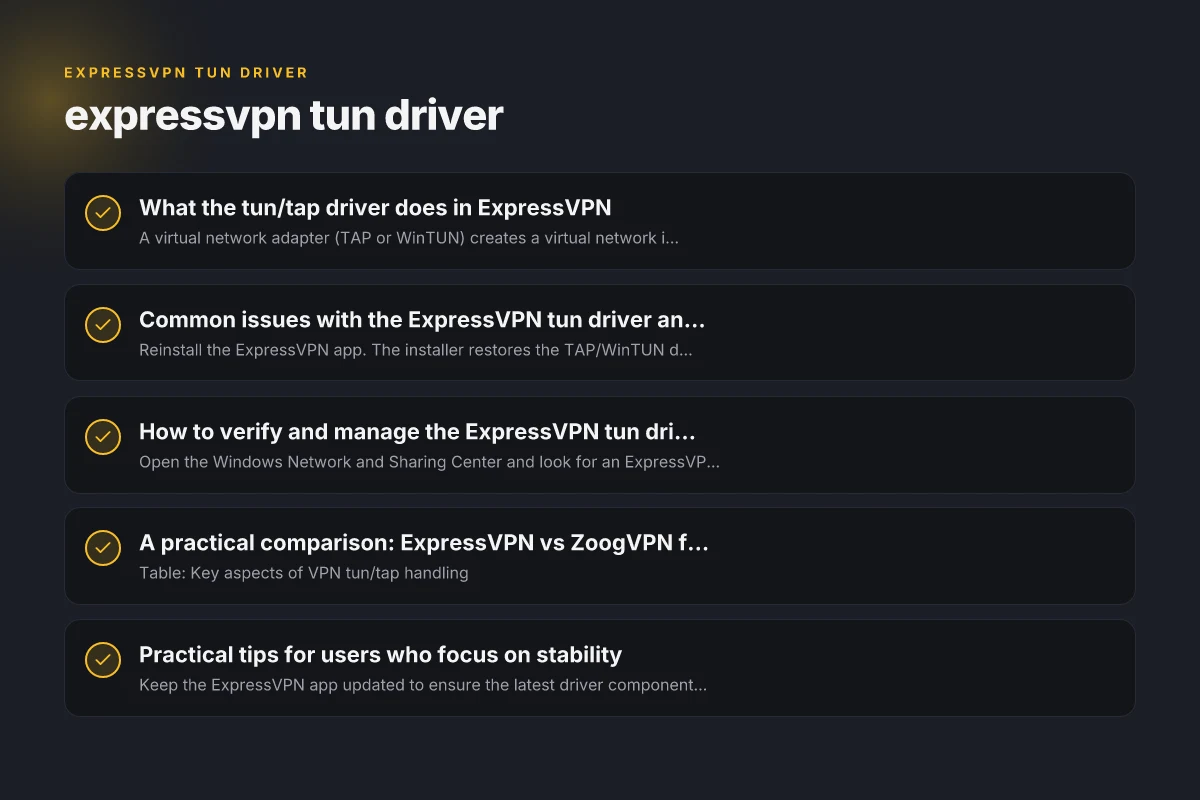
Common issues with the ExpressVPN tun driver and how to fix them
Problem: TAP adapter missing or disappeared
- Reinstall the ExpressVPN app. The installer restores the TAP/WinTUN driver.
- Check Device Manager under Network adapters for an ExpressVPN TAP Adapter.
- If it’s missing, reinstall to rebuild the driver stack.
Problem: All TAP-Windows adapters in use
- This error can occur if other VPNs or virtualization software reserve the TAP adapters.
- Steps to fix:
- Disable or disconnect other VPNs temporarily.
- Reboot the system.
- Ensure ExpressVPN is the active VPN before re-enabling adapters.
Problem: VPN adapter not available with Lightway
- Some users see the network adapter not available when using UDP with Lightway.
- Solution: Try switching to a different protocol (e.g., OpenVPN over UDP/TCP) or reinstall the app to refresh the driver bindings.
Problem: Connectivity after Windows updates
- Windows updates can reset or replace VPN drivers.
- Action: Reinstall the ExpressVPN app after major Windows updates to re-create the necessary adapters.
How to verify and manage the ExpressVPN tun driver
Quick checks
- Open the Windows Network and Sharing Center and look for an ExpressVPN TAP/TUN virtual adapter.
- In Device Manager, confirm the ExpressVPN TAP Adapter is listed and enabled.
- Run a VPN connection test from the ExpressVPN app to confirm the tunnel status.
- If a problem persists, use the ExpressVPN support troubleshooting page for “network adapter not available on Windows” guidance.
When to consider reinstalling
- If the adapter disappears after updates or crashes, a clean reinstall often resolves driver signature or binding issues.
- Before reinstalling, export any settings or note credentials if needed for a quick restore.
A practical comparison: ExpressVPN vs ZoogVPN for tun/tap handling
Table: Key aspects of VPN tun/tap handling
- Aspect
- ExpressVPN
- ZoogVPN
- Driver stability (Windows)
- Typically relies on ExpressVPN’s WinTUN/adapter stack
- Similar virtual adapter approach. Depends on Windows drivers
- Protocol flexibility
- Lightway (fast, with WinTUN-style handling)
- Supports multiple protocols. Check specific app builds
- Troubleshooting ecosystem
- Strong official support with step-by-step guides
- Solid community resources. Independent troubleshooting may be needed
- Ease of setup on Windows
- Generally straightforward but can require driver reinstalls after updates
- Comparable with guided reinstall, though some users find ZoogVPN simpler to set up in certain environments
Practical tips for users who focus on stability
- Keep the ExpressVPN app updated to ensure the latest driver components are installed.
- Avoid running multiple VPNs simultaneously. Disable any non-ExpressVPN TAP adapters when connected.
- If you rely on a specific protocol (like Lightway), ensure you’re on a compatible Windows build and that the installer completed successfully.
- Use the official troubleshooting resources when you encounter “TAP adapter” or “network adapter not available” messages to avoid misdiagnosis.
- If persistent issues occur, consider trying a different VPN protocol or performing a clean reinstall of the app and its drivers.
When to consider an alternative: is ZoogVPN a better fit?
- If you prefer a VPN that emphasizes a simpler driver footprint and straightforward setup on Windows, ZoogVPN can be worth evaluating.
- ZoogVPN’s approach to tunneling and adapters is aligned with general Windows networking concepts, so the setup experience may feel more familiar for some users.
- If you’ve hit repeated issues with ExpressVPN’s TAP/TUN drivers, testing ZoogVPN for a trial period can help you compare stability, speed, and ease of use without committing long-term.
How to evaluate VPNs side by side
- Consider these questions:
- How stable is the adapter/driver under typical daily use?
- How simple is the installation and reinstallation process after updates?
- Does the protocol choice affect performance and reliability on your hardware?
- How responsive is the support ecosystem when dealing with TAP/TUN issues?
- A practical approach is to run a short trial of both services on the same device, measure connection reliability, and note any driver-related errors or warnings.
Final section: recommendation In the context of tun/tap driver considerations, ExpressVPN remains a strong option with robust official support and a mature Windows implementation. If you’re frequently encountering adapter-related issues or seek a potentially simpler Windows setup experience, ZoogVPN is a reputable alternative worth trying. ZoogVPN’s site and offerings align with common VPN needs while aiming to reduce complexity around virtual adapters. Before committing, run a trial on your primary devices, compare stability and speeds, and choose the service that keeps your connection secure with the least friction. If you’d like, I can help you compare specific features, speeds, and device counts side by side to help you decide whether to keep ExpressVPN, try ZoogVPN, or run a blended setup that suits your environment.
| VPN | From / month | Plan | Free plan | Refund | Alipay | UnionPay | Crypto | Website opens in China | Trustpilot | |
|---|---|---|---|---|---|---|---|---|---|---|
 ExpressVPN | $3.00/mo | 28 months: $84 | No | 30 days | ✗ | ✗ | ✓ | ✗ | ✗ Blocked | 4.4/5 (29,706 reviews) |
 ZoogVPN | $2.49/mo | 27 months: $59.99 | Yes | 7 days | ✓ | ✓ | ✓ | ✓ | ✓ Yes (2.5 s) | 4.2/5 (195 reviews) |
 NordVPN | $3.49/mo | 27 months: $94.23 | No | 30 days | ? | ✗ | ✓ | ✓ | ✗ Blocked | 4.2/5 (51,628 reviews) |
 Surfshark | See site | See site | No | 30 days | ✗ | ✗ | ✗ | ✓ | ✗ Blocked | 4.3/5 (31,823 reviews) |
 Proton VPN | $2.99/mo | 12 months: $35.88 | Yes | 30 days | ✗ | ✗ | ✗ | ✓ | ✓ Yes (2.5 s) | 2.1/5 (1,040 reviews) |
 Astrill VPN | $12.50/mo | 24 months: $300 | No | See site | ✗ | ✗ | ✗ | ✓ | ✗ Blocked | 1.3/5 (110 reviews) |
 Private Internet Access | $2.03/mo | 40 months: $81.2 | No | 30 days | ✗ | ✗ | ✗ | ✗ | ✗ Blocked | 4.2/5 (11,033 reviews) |
 CyberGhost | $2.19/mo | 28 months: $61.32 | No | 45 days | ✗ | ✗ | ✗ | ✓ | ✗ Blocked | 4.0/5 (24,178 reviews) |
 PureVPN | $1.69/mo | 60 months: $101.55 | No | 31 days | ? | ✗ | ✗ | ✓ | ✓ Yes (2.6 s) | 4.4/5 (17,994 reviews) |
 AdGuard VPN | $2.99/mo | 24 months: $71.76 | Yes | 30 days | ✓ | ✗ | ✓ | ✓ | Official site blocked; our special link opens (2.3 s) | 4.3/5 (290 reviews) |
 Mullvad | $5.61/mo | €5/mo | No | 14 days | ✗ | ✗ | ✗ | ✓ | ✗ Blocked | 3.2/5 (192 reviews) |
 Windscribe | $5.75/mo | 12 months: $69 | Yes | See site | ✗ | ✗ | ✗ | ✓ | ✗ Blocked | 4.7/5 (13,355 reviews) |
 StrongVPN | See site | See site | No | 30 days | ✓ | ✗ | ✗ | ✗ | ✗ Blocked | 4.4/5 (2,695 reviews) |
 LightXtreme 闪连 | $7.08/mo | 12 months: $84.99 | Yes | 30 days | ✓ | ✓ | ✓ | ✓ | ✓ Yes (2.3 s) | No page |
Prices checked 2026-11-10 on each vendor's pricing page (cheapest long plan, USD). Check the vendor's checkout for the final price.
Payment methods checked 2026-11-10 on each vendor's payment pages: all 14 take cards and PayPal; ✗ = not listed, ? = the vendor's own pages disagree.
China access: whether the official website opens from mainland China networks (tests the website only, not the VPN connection). Last checked 2026-11-11 04:07 Beijing time.
Trustpilot score and review count checked 2026-11-10.