Does Microsoft Edge have a VPN

An in-depth look at Microsoft Edge’s built-in Secure Network VPN, how it works, who can use it, and how it compares to standalone VPNs.
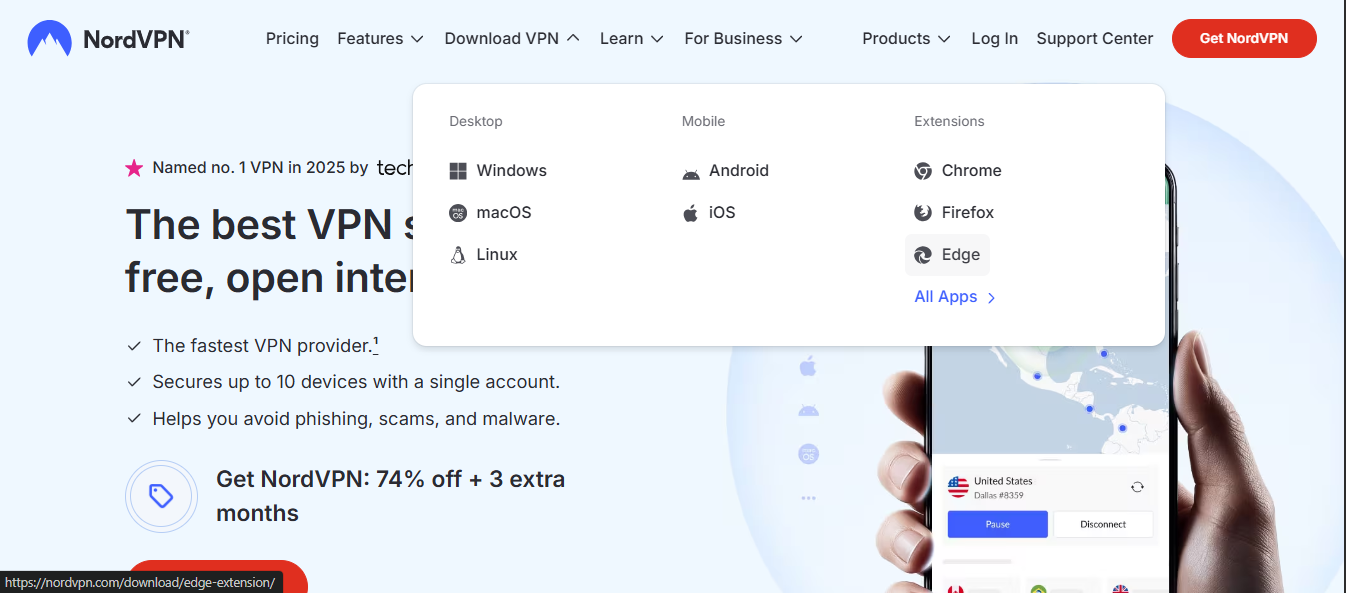
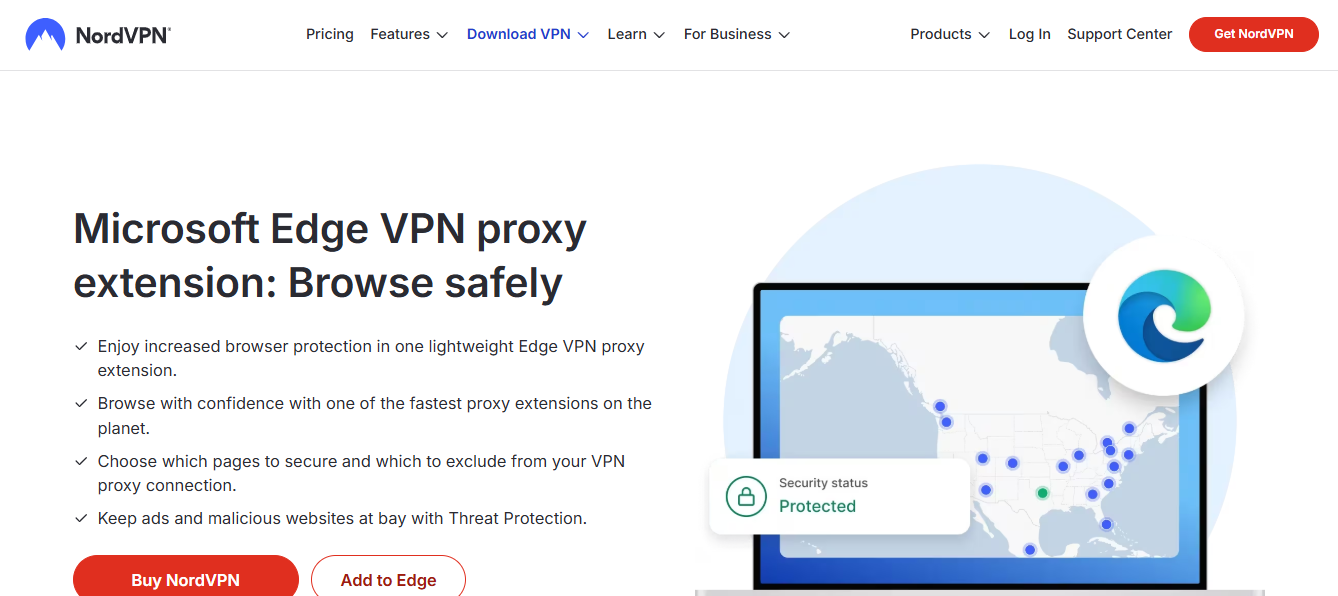
Microsoft Edge does offer a built-in VPN-like feature called Secure Network. It’s not a standalone VPN app, but it provides traffic encryption and IP masking on protected networks to improve privacy while you browse. This article explains what Edge’s Secure Network is, who can use it, how to enable it, its limitations, and how it compares to traditional VPN services. If you’re considering privacy in the browser, this guide will help you decide whether Edge’s built-in option fits your needs or if a third-party VPN is a better fit.

Comparison of Edge Secure Network features and VPN basics
| Feature | Edge Secure Network | Traditional VPN | No VPN option | Notes |
|---|---|---|---|---|
| Primary purpose | Web security and performance | Privacy, access, and anonymity | N/A | Edge focuses on protection and content delivery |
| Availability (platforms) | Windows, macOS, iOS, Android | Windows, macOS, iOS, Android | N/A | Edge integration varies by device |
| Default encryption | Yes | Yes | No | Uses standard VPN-grade crypto |
| Logging policy | Limited/job dependent | Varies by provider | No data collected | Edge privacy stance subject to policy |
| Regional routing | Traffic may route through Microsoft infrastructure | Varies by provider | N/A | Depends on service |
| Performance impact | Moderate | Moderate to high | Low | Depends on network path |
Compiled November 2026; check the provider's site for current details.
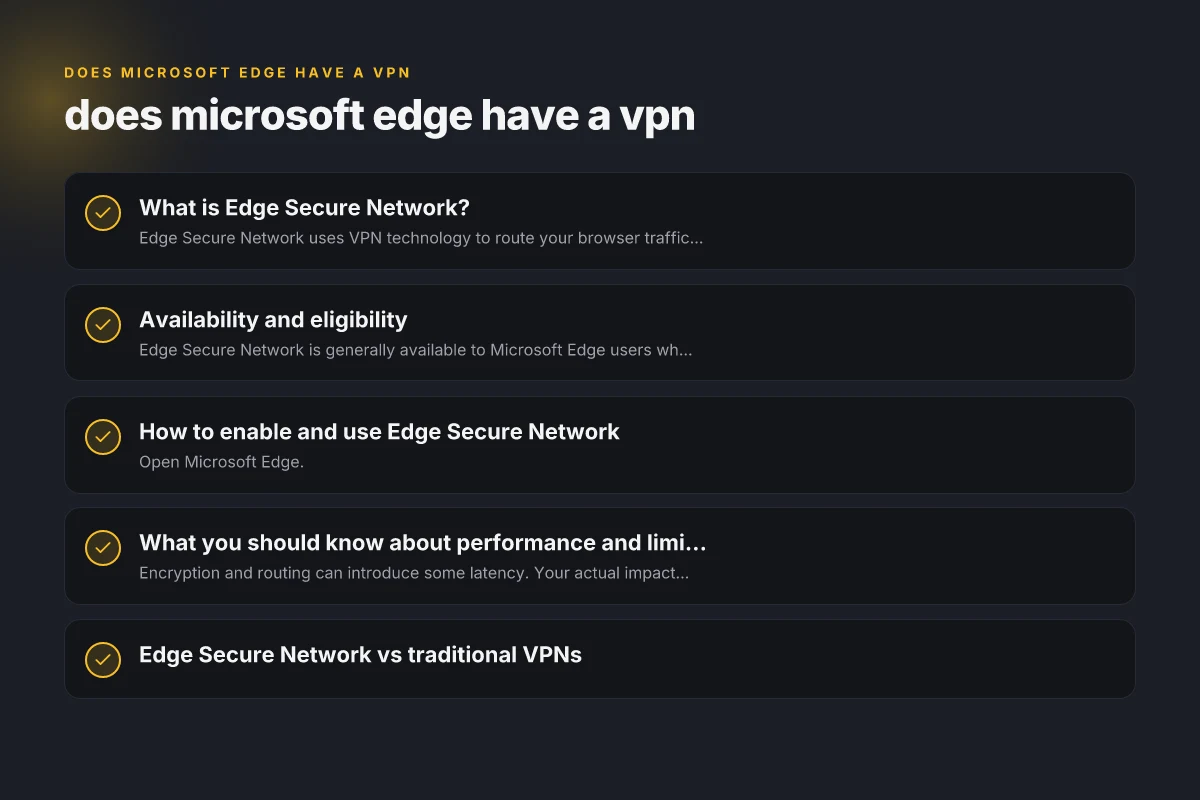
What is Edge Secure Network?
A built-in privacy feature, not a separate app
- Edge Secure Network uses VPN technology to route your browser traffic through Microsoft’s network.
- It’s designed to protect traffic on public or open Wi‑Fi networks and reduce IP-based tracking.
- It’s integrated directly into the Edge browser, so you don’t need to install a separate VPN client.
How it works at a high level
- When enabled, Edge routes traffic from the browser through Microsoft’s Secure Network servers.
- The goal is to mask your IP address and encrypt data on unsecured networks.
- It primarily focuses on protecting browsing traffic rather than all device traffic.
Availability and eligibility
Who can use it?
- Edge Secure Network is generally available to Microsoft Edge users who have access to the feature through compatible plans.
- Some implementations and updates may require a Microsoft 365 subscription or a particular account tier (depending on region and rollout).
How to verify your eligibility
- Open Edge, go to Settings, and look for “Privacy, search, and services.”
- Look for “Secure Network” or “Built-in VPN” toggle. If it’s not present, your plan or region may not support it yet.
- Microsoft’s official pages and in-browser prompts usually indicate whether you have access.
How to enable and use Edge Secure Network
Step-by-step enablement
- Open Microsoft Edge.
- Click the three-dot menu in the upper-right corner and choose Settings.
- Navigate to Privacy, search, and services.
- Find Secure Network (or Built-in VPN) and toggle it On.
- If prompted, sign in with a Microsoft account associated with a supported plan.
Practical tips for use
- Enable it when connecting to public Wi‑Fi or networks you don’t fully trust.
- Disable it on trusted, private networks if you want maximum speed and lower latency.
- It may add a slight delay due to encryption and routing, depending on server load and your location.
What you should know about performance and limitations
Speed and reliability
- Encryption and routing can introduce some latency. Your actual impact depends on server location and network conditions.
- Microsoft does not guarantee the same speeds as a high-end third-party VPN in all scenarios.
Data usage and limits
- Secure Network usage is typically included with compatible plans, but there may be limits or quotas depending on your subscription.
- It is not a free, unlimited VPN with open-ended bandwidth. Check your plan details for any usage caps.
Platforms and scope
- The feature is built into Edge on supported desktops (Windows, macOS) and may have differences in availability on mobile platforms.
- It generally protects browser traffic, other apps on your device may still use their own connections unless you’re using system-wide VPN software.
Availability, eligibility, and setup practicality
| Criterion | Edge Secure Network | Traditional VPN | No VPN option | Practical notes |
|---|---|---|---|---|
| Availability by region | Global but varies by plan | Global | N/A | Check current rollout |
| Eligibility (account needed) | Microsoft account required | Provider account | N/A | Sign-in often required |
| Setup complexity | Very easy (in-browser/OS toggle) | Moderate to complex | N/A | In-app prompts guide setup |
| Billing model | Often includes with Edge/plan | Subscriber-based | N/A | Some tiers may be free or trial |
Compiled November 2026; check the provider's site for current details.
Edge Secure Network vs traditional VPNs
| Aspect | Edge Secure Network | Traditional VPNs |
|---|---|---|
| Primary scope | Browser-level VPN for Edge traffic | System-wide VPN for all traffic (all apps) |
| Setup | Built into Edge; enable via settings | Separate app or service; may require subscription |
| Compatibility | Edge browser on supported OS | Works across browsers and apps, across devices (if supported) |
| Privacy | Masks IP and encrypts traffic on open networks | IP masking and strong encryption for all traffic; often servers in many countries |
| Speed | Can vary; may add latency | Varies by provider and server load; some offer optimized speeds |
| Cost | Often included with certain Microsoft plans | Usually requires a subscription or one-time purchase |
| Customization | Limited to Edge’s built-in options | Wide range of server locations, protocols, kill switch, split tunneling, etc. |
Security and privacy considerations
- Privacy gains come from encrypting traffic on public networks and reducing exposure to IP tracking while using Edge.
- It’s important to understand that browser-level VPN features do not replace full-device security tools. If you want to protect all device traffic, you’ll need a system-wide VPN.
- Review the privacy policy of Edge Secure Network to understand data collection, server locations, and how your information is handled.
Comparisons and alternatives
- If you need to secure all device traffic or want features like kill switch, split tunneling, or a large set of server locations, a traditional third-party VPN is often a better fit.
- For light privacy protection focused on Edge browsing on public networks, Edge Secure Network can be a convenient option without additional software.
- Browser extensions with VPN functionality exist for Edge, such as NordVPN for Microsoft Edge or other VPN extensions, which operate within the browser but may require separate subscription.
Practical guidance: should you use Edge Secure Network?
- Use Edge Secure Network if:
- You primarily browse in Edge on public Wi‑Fi or untrusted networks.
- You want a quick privacy shield without installing extra apps.
- You have a compatible Microsoft plan and access to the feature.
- Consider a traditional VPN if:
- You want system-wide protection across all applications and devices.
- You need more server locations, higher customization, or advanced features (kill switch, split tunneling).
- You require consistent performance across all traffic, not just browser traffic.
How Edge Secure Network fits into the wider privacy toolkit
- Edge’s built-in VPN-like feature is one part of a broader privacy strategy.
- Combine it with:
- Regular software updates and strong endpoint security (antivirus, firewall).
- Secure, unique passwords and two-factor authentication for accounts.
- Browser hygiene: disable unnecessary extensions, use tracking protection, and clear cookies when needed.
- A reputable, full-featured VPN if you need more comprehensive coverage.
Performance and limitations snapshot
| Metric | Edge Secure Network | Traditional VPN | No VPN option | Insight |
|---|---|---|---|---|
| Impact on latency | Can add some latency | Can add noticeable latency | Minimal | Depends on path and server load |
| Bandwidth limits | Not typically user-specified | Often capped by plan | N/A | Check plan terms |
| Compatibility with apps | Browser-integrated; limited app-wide | App-level | N/A | Some apps bypass VPN |
| Data protection level | Encryption present | Encryption present | N/A | Privacy depends on policy |
Compiled November 2026; check the provider's site for current details.
Final recommendations
If your goal is simple, browser-focused privacy while using Microsoft Edge on public networks, Edge Secure Network offers a convenient built-in option. It can mask your IP and encrypt Edge traffic without requiring a separate VPN application, making it a practical choice for quick protection. However, if you need full-device protection, consistent performance across all apps, or access to a wide set of server locations and advanced features, a traditional third-party VPN remains the better tool. Does Microsoft Edge have a built in VPN
In short:
- Edge Secure Network provides a browser-level VPN-like experience inside Edge.
- Availability depends on your plan and region. Enable it in Edge settings if you have access.
- For comprehensive, device-wide VPN protection, consider a dedicated VPN service.
| VPN | From / month | Plan | Free plan | Refund | Alipay | UnionPay | Crypto | Website opens in China | Trustpilot | |
|---|---|---|---|---|---|---|---|---|---|---|
 NordVPN | $3.49/mo | 27 months: $94.23 | No | 30 days | ? | ✗ | ✓ | ✓ | ✗ Blocked | 4.2/5 (51,628 reviews) |
 ZoogVPN | $2.49/mo | 27 months: $59.99 | Yes | 7 days | ✓ | ✓ | ✓ | ✓ | ✓ Yes (2.5 s) | 4.2/5 (195 reviews) |
 ExpressVPN | $3.00/mo | 28 months: $84 | No | 30 days | ✗ | ✗ | ✓ | ✗ | ✗ Blocked | 4.4/5 (29,706 reviews) |
 Surfshark | See site | See site | No | 30 days | ✗ | ✗ | ✗ | ✓ | ✗ Blocked | 4.3/5 (31,823 reviews) |
 Proton VPN | $2.99/mo | 12 months: $35.88 | Yes | 30 days | ✗ | ✗ | ✗ | ✓ | ✓ Yes (2.5 s) | 2.1/5 (1,040 reviews) |
 Astrill VPN | $12.50/mo | 24 months: $300 | No | See site | ✗ | ✗ | ✗ | ✓ | ✗ Blocked | 1.3/5 (110 reviews) |
 Private Internet Access | $2.03/mo | 40 months: $81.2 | No | 30 days | ✗ | ✗ | ✗ | ✗ | ✗ Blocked | 4.2/5 (11,033 reviews) |
 CyberGhost | $2.19/mo | 28 months: $61.32 | No | 45 days | ✗ | ✗ | ✗ | ✓ | ✗ Blocked | 4.0/5 (24,178 reviews) |
 PureVPN | $1.69/mo | 60 months: $101.55 | No | 31 days | ? | ✗ | ✗ | ✓ | ✓ Yes (2.6 s) | 4.4/5 (17,994 reviews) |
 AdGuard VPN | $2.99/mo | 24 months: $71.76 | Yes | 30 days | ✓ | ✗ | ✓ | ✓ | Official site blocked; our special link opens (2.3 s) | 4.3/5 (290 reviews) |
 Mullvad | $5.61/mo | €5/mo | No | 14 days | ✗ | ✗ | ✗ | ✓ | ✗ Blocked | 3.2/5 (192 reviews) |
 Windscribe | $5.75/mo | 12 months: $69 | Yes | See site | ✗ | ✗ | ✗ | ✓ | ✗ Blocked | 4.7/5 (13,355 reviews) |
 StrongVPN | See site | See site | No | 30 days | ✓ | ✗ | ✗ | ✗ | ✗ Blocked | 4.4/5 (2,695 reviews) |
 LightXtreme 闪连 | $7.08/mo | 12 months: $84.99 | Yes | 30 days | ✓ | ✓ | ✓ | ✓ | ✓ Yes (2.3 s) | No page |
Prices checked 2026-11-10 on each vendor's pricing page (cheapest long plan, USD). Check the vendor's checkout for the final price.
Payment methods checked 2026-11-10 on each vendor's payment pages: all 14 take cards and PayPal; ✗ = not listed, ? = the vendor's own pages disagree.
China access: whether the official website opens from mainland China networks (tests the website only, not the VPN connection). Last checked 2026-11-11 04:07 Beijing time.
Trustpilot score and review count checked 2026-11-10.