Snapchat stories: everything you need to know about viewing, creating, and sharing

A thorough guide to Snapchat Stories, including how they work, public Profiles, Shared Stories, and tips for viewing and sharing.
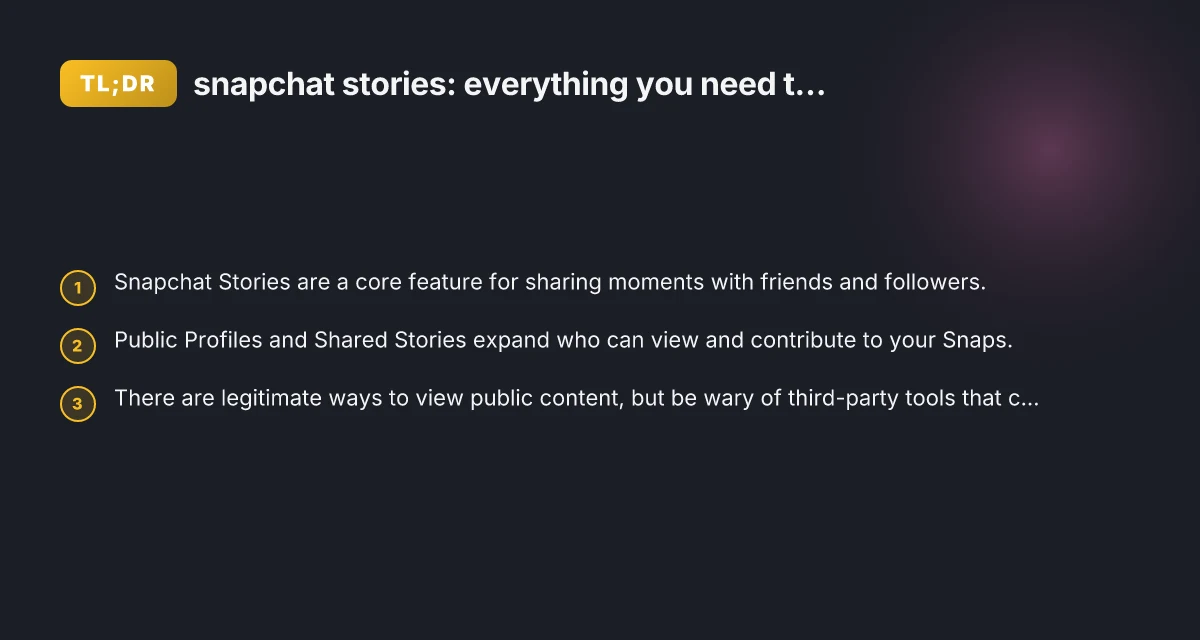
Snapchat Stories are a central way people capture and share moments on the platform. They’re designed to be temporary, visually engaging, and easy to customize with filters, captions, and music. Whether you’re new to Snapchat or a seasoned user, understanding how Stories work can help you connect with friends, grow a public presence, or simply enjoy entertaining content from others.

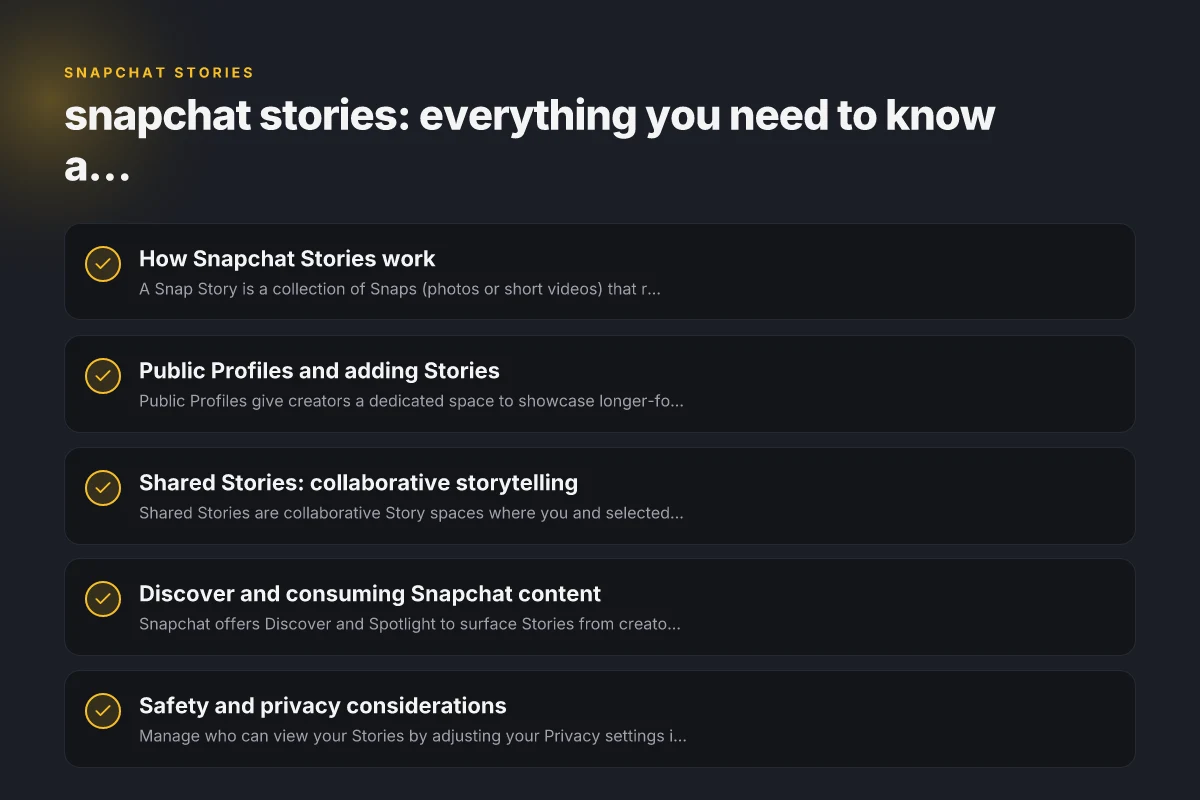
How Snapchat Stories work
- A Snap Story is a collection of Snaps (photos or short videos) that remains visible for 24 hours (unless you’re using a Spotlight or a saved Story).
- Stories can be created from the camera screen by tapping the Story button or by adding Snaps to a new or existing Story.
- You can view Stories from your friends, celebrities, brands, or other creators, depending on your privacy settings and who you follow.
- Viewers can react, send chats, or share a Story with others, depending on the creator’s privacy controls.
Key concepts:
- Public vs private: Some Stories are restricted to friends or followers, while others may be publicly discoverable via Discover, Spotlight, or a creator’s Public Profile.
- Engagement: Reactions and chats are one-click ways to interact, while sharing extends reach beyond your immediate circle.
- Ephemeral nature: While a Story is temporary, many creators save or repost Snaps to other formats (like a Spotlight video or a saved Story) if allowed.
Public Profiles and adding Stories
Public Profiles give creators a dedicated space to showcase longer-form content, highlights, and curated Stories. If you want to build a presence on Snapchat, a Public Profile is often the best route.
How to add a Story to your Public Profile
- Go to your Profile and tap Public Profile.
- Tap Add a Story to your Profile.
- Choose Snaps or photos from your Camera Roll to add, then tap Add.
- Review and publish to your Public Profile.
Tips:
- Curate your highlights: You can group Stories into Highlights to showcase different themes (travel, tutorials, behind-the-scenes, etc.).
- Consistency matters: Regularly updating your Public Profile with fresh content helps growth.
- Privacy controls: Even on a Public Profile, you control who can view or react to your Stories.
Shared Stories: collaborative storytelling
Shared Stories are collaborative Story spaces where you and selected friends can add Snaps. This is useful for events, trips, parties, or group projects.
- Only people you invite can view and add Snaps to a Shared Story.
- Anyone in the shared group can contribute, creating a multi-perspective narrative.
- You can remove members from a Shared Story or end the Story when the event is over.
Best practices: V5vpn: What It Is, How It Works, and Why ZoogVPN Is Our Top Recommendation
- Choose participants thoughtfully: Include people who will contribute quality content or context.
- Set expectations: Decide what kinds of Snaps belong in the Shared Story to keep it cohesive.
- Use timing: Start a Shared Story during an event and keep it active for the duration.
Discover and consuming Snapchat content
Snapchat offers Discover and Spotlight to surface Stories from creators you might not know personally.
- Discover: Curated content from publishers, creators, and brands. It’s a mix of news, entertainment, and tutorials.
- Spotlight: Short-form, entertaining videos from creators that are often trending or viral. These can be viewed publicly without needing a direct follow.
- Tag pages: You may encounter topic pages like #stories or other hashtags that group related content.
How to tailor your feed:
- Follow friends and creators you genuinely enjoy.
- Save or share content you want to revisit, while respecting creators’ preferences for re-shares.
- Use the search and Discover tabs to find topics, creators, or events you care about.
Note on third-party tools:
- There are services that claim to let you view or download Snapchat content anonymously or without login. Be careful: using third-party viewers, downloaders, or anonymizers can violate Snapchat’s terms of service, threaten your account security, and potentially expose you to malware. Stick to official Snapchat features or trusted in-app options for viewing public content.
Table: public-viewing options vs privacy considerations
| Option | Who can view | How to access | Pros | Cons |
|---|---|---|---|---|
| Your own Story | Friends or followers depending on settings | From your profile, Story viewer | Control over who sees it; temporary by default | Limited reach if you keep it private |
| Public Profile Story | Anyone following you or discovering via Discover | Add to Public Profile; appears in Discover/Highlights | Greater reach; build a creator presence | Higher scrutiny; must meet platform guidelines |
| Shared Story | Invited friends | From the Shared Story in your inbox or profile | Collaborative content; event-specific | Limited to invited participants; not permanent |
| Discover/Spotlight content | Public | Access via Discover or Spotlight tabs | Broad discovery; entertainment and trends | Creator-driven; no direct control over who sees you content |
Safety and privacy considerations
- Manage who can view your Stories by adjusting your Privacy settings in the app. You can tailor who sees your content at the story level and in your overall account.
- Be mindful of what you share. Snaps can be saved by recipients unless you have features like Screen Capture notifications enabled. However, it’s wise to assume some content might be saved or shared beyond your control.
- Public Profiles require compliance with Snapchat’s guidelines. Violating terms could impact visibility or account status.
- Be cautious with third-party tools. Any service that promises anonymous viewing or downloading Stories is likely not endorsed by Snapchat and could compromise your account or device security.
How viewers experience Snapchat Stories
- Viewers tap a Story icon to see a sequence of Snaps. Each Snap can have filters, lenses, captions, and music.
- The order and duration of Snaps can be customized by the creator. You may have fast-forward or rewind options, depending on the interface.
- Viewers can react with emoji, send a chat, or, if allowed, share the Story with others.
- When watching public content, you might encounter a mix of personal updates, brand or creator content, and curated media from various sources.
Common questions you’ll encounter: Pr connect reset error: what it is and how to fix it
- How do stories work on Snapchat? They’re collections of Snaps that disappear after 24 hours unless saved to a Story or Highlight.
- Can you tell if someone views your Snap Story twice? Snapchat doesn’t provide a simple count of repeated views for a single viewer. You’ll see who has viewed the Story, but not how many times each person viewed it.
- Can people see if you viewed their Snapchat story? The person who posted the Story can see that you viewed it, along with other viewers. You are listed among the viewers.
- Why do I see other people's stories on Snapchat? You see Stories from people you follow, creators you engage with, and content surfaced through Discover or Spotlight. If you have public content, it can appear in broader surfaces as well.
Creating compelling Stories: tips and best practices
- Plan your narrative: Even a short 1–2 minute Story benefits from a clear arc, introduction, moment, takeaway.
- Mix formats: Use photos, short videos, text overlays, music, and stickers to keep content engaging.
- Add context: Captions help viewers understand the scene, especially if sound is off.
- Use Highlights: Save key Stories as Highlights on your Public Profile to extend their lifespan beyond 24 hours.
- Engage your audience: Ask questions in captions, use polls or Q&A stickers (where available) to increase interaction.
- Consistency over quantity: Regular posting beats sporadic bursts. Find a cadence that fits your audience.
Practical workflow: from idea to Story
- Brainstorm theme: Decide on a topic (travel tips, day-in-the-life, a mini-tare).
- Capture content: Take a mix of snaps and short videos that fit the theme.
- Edit and enhance: Apply filters, music, captions, and stickers to enhance storytelling.
- Decide visibility: Choose whether this Story will be private, shared with friends, or posted to a Public Profile.
- Publish and monitor: Post your Story and check engagement. Respond to viewer interactions to build community.
- Archive or highlight: Save essential Stories as Highlights and organize them for new followers to discover.
When to use Stories vs other formats
- Stories: Best for daily moments, events, quick tutorials, behind-the-scenes, or spontaneous updates. They disappear after 24 hours (unless saved to Highlights).
- Public Profiles: Use for longer-term presence, branded content, and audience growth. Highlights help evergreen access.
- Shared Stories: Ideal for group trips, events, or collaborative projects where multiple perspectives add value.
- Discover/Spotlight: Great for discovering trends, learning from creators, or reaching a broader audience with entertaining or educational content.
Final recommendations
If you’re trying to understand and leverage Snapchat Stories effectively, start by mastering the basics: create Stories with a clear narrative, save important moments as Highlights for lasting visibility, and consider a Public Profile if you want to grow a broader audience. Be mindful of privacy and platform rules, especially if you’re sharing content that involves others. Avoid third-party tools that promise anonymous viewing or downloading, as they often violate terms of service and pose security risks.
If your goal is to learn what’s trending, explore Discover and Spotlight thoughtfully, following creators who align with your interests. Engage authentically with audiences, and gradually refine your approach based on what resonates. With patience and consistency, Snapchat Stories can be a powerful tool for connection, storytelling, and personal or brand growth.