How to use binance chain for nfts
A practical guide to minting, buying, and managing NFTs on Binance Chain / BNB Chain (BNB Beacon and BSC) with practical steps and tips.
Opening If you’re curious about how to use Binance Chain for NFTs, you’re in the right place. Binance Chain has evolved into what the ecosystem now calls BNB Chain, comprising two main strands: BNB Beacon Chain (for governance and non-ERC-20 style activity) and BNB Smart Chain (BSC), which is EVM-compatible and friendly to NFT minting, marketplaces, and DeFi apps. This guide lays out practical steps to mint, buy, and manage NFTs on BNB Chain, with attention to wallet setup, contract standards, and common pitfalls.
Understanding Binance Chain vs. BNB Chain
What the ecosystem looks like
- BNB Chain is a broader ecosystem name that includes both the BNB Beacon Chain and BNB Smart Chain (BSC).
- For NFTs, most activity happens on BSC due to its EVM compatibility, DeFi tooling, and established NFT marketplaces.
- BEP-721 and BEP-1155 are the commonly used NFT standards on BSC, analogous to ERC-721 and ERC-1155 on Ethereum.
Key differences to keep in mind
- Network purpose: BNB Beacon Chain handles governance and non-smart contracts aspects; BSC handles smart contracts and NFT minting.
- Compatibility: BSC is EVM-compatible, so you can use MetaMask and many Ethereum tooling with minor adjustments.
- Fees and speed: Gas fees on BSC tend to be lower than Ethereum, with fast transaction finality for typical NFT transfers.
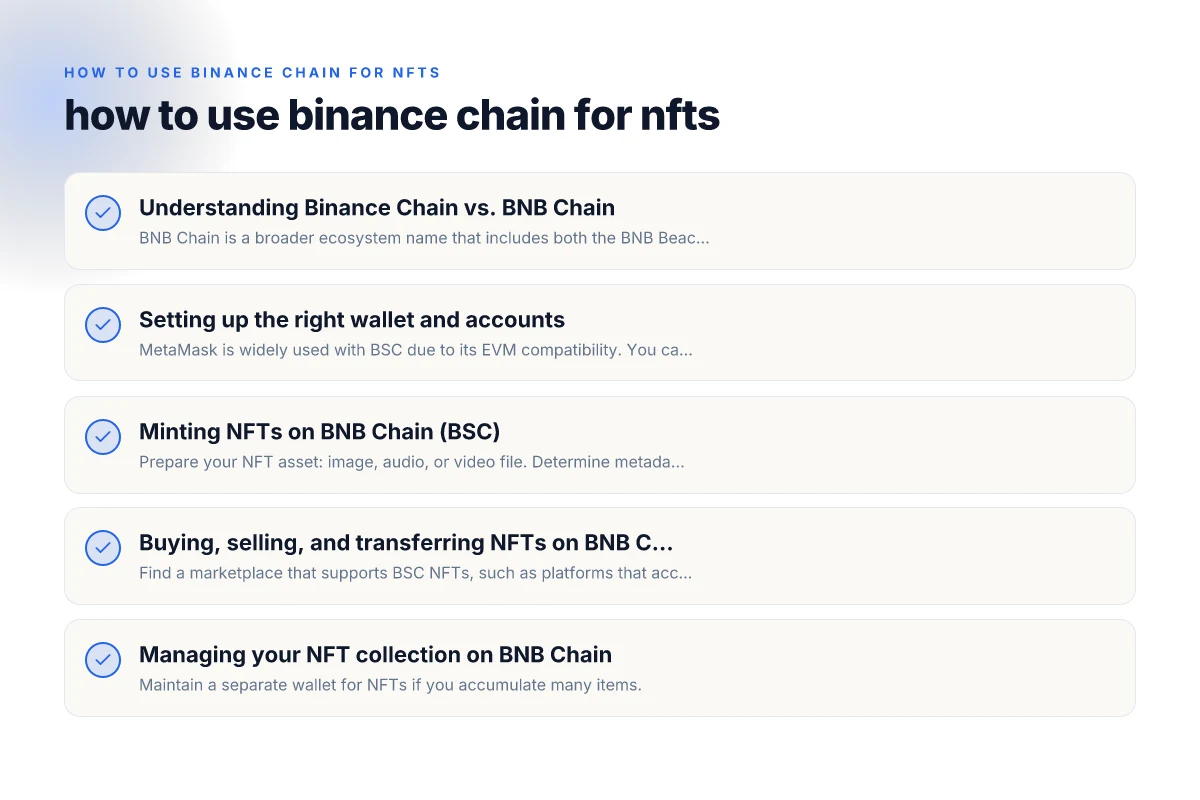
Setting up the right wallet and accounts
Choosing a wallet
- MetaMask is widely used with BSC due to its EVM compatibility. You can connect to BSC by adding it as a custom network.
- Binance Wallet, Trust Wallet, and other wallets with BNB Chain support can also handle NFT interactions.
Connecting to the right chain
- Add BNB Chain as a network in MetaMask:
- Network name: BNB Chain (or BSC)
- RPC URL: https://bsc-dataseed.binance.org/
- Chain ID: 56
- Currency symbol: BNB
- Block explorer URL: https://bscscan.com
- Switch your wallet to BSC when minting, transferring, or selling NFTs on BSC-based platforms.
Managing funds and addresses
- Have a small amount of BNB for gas fees; NFT minting and transfers on BSC require BNB for gas.
- Consider having an NFT-specific wallet address to separate collectibles from other funds for security.
Minting NFTs on BNB Chain (BSC)
Common steps
- Prepare your NFT asset: image, audio, or video file. Determine metadata (name, description, attributes).
- Choose a BEP standard: BEP-721 (one-of-one items) or BEP-1155 (semi-fungible, bundles).
- Deploy or use an existing NFT contract: you can deploy your own BEP-721/BEP-1155 contract, or use a trusted minting platform.
- Set royalties and metadata: define creator royalties and link to a metadata server (IPFS or centralized hosting).
- Mint: call the mint function from your wallet, paying gas in BNB.
Practical tips
- Use reputable minting platforms or auditors if you’re deploying your own contract.
- Verify contract addresses and avoid phishing sites that imitate well-known NFT platforms.
- If minting via a marketplace, ensure the platform supports BEP standards and BSC networks.
Example workflow with a marketplace
- Connect your wallet to the marketplace on BSC.
- Upload your asset and fill in token details (name, description, attributes).
- Set royalties and unlockable content if supported.
- Confirm minting transaction. Pay gas in BNB.
- Your NFT appears in your wallet and on the marketplace’s collection page.
Buying, selling, and transferring NFTs on BNB Chain
Buying basics
- Find a marketplace that supports BSC NFTs, such as platforms that accept BEP-721/BEP-1155 tokens.
- Ensure your wallet is connected to BSC and has enough BNB to cover gas.
- Confirm token details (creator, royalties, metadata) before purchasing.
Selling and listing
- Many marketplaces let you list directly from your wallet or through the platform’s creator tools.
- Set your price, auction terms, and royalty configuration if applicable.
- Keep an eye on gas prices. During network congestion, fees can spike.
Transfers between wallets or platforms
- Transfer NFT tokens by initiating a transfer from one wallet to the recipient’s BSC address.
- Always verify the destination address and the NFT’s contract standard before sending.
- If moving between marketplaces, ensure the token is compatible with the target platform and chain.
Table: BEP-721 vs BEP-1155 (quick comparison)
| Feature | BEP-721 | BEP-1155 |
|---|---|---|
| Token type | One-of-one NFTs | Semi-fungible tokens; supports multiple copies |
| Metadata | Individual per token | Can share metadata across token IDs |
| Use case | Unique collectibles | In-game items with multiple editions, bundles |
| Gas considerations | Standard NFT mint/transfer gas | Often more efficient for large drops or packs |
| Royalty support | Platform and contract dependent | Platform and contract dependent |
Security and risk considerations
- Always double-check contract addresses and platform URLs.
- Be cautious of phishing sites that imitate popular NFT platforms.
- Use hardware wallets for enhanced security when minting or managing large collections.
- Keep seed phrases offline. Enable two-factor authentication where possible.
Managing your NFT collection on BNB Chain
Wallet hygiene
- Maintain a separate wallet for NFTs if you accumulate many items.
- Regularly backup your wallet’s seed phrase and store it securely offline.
Metadata and hosting
- Many NFTs rely on off-chain metadata hosted on IPFS or centralized servers.
- Prefer IPFS-hosted metadata to minimize link rot. Verify that the metadata URI remains stable.
Royalties and creator income
- Royalties are contract- or platform-driven. Verify how royalties are enforced on the chosen marketplace.
- Some platforms allow flexible royalties. Others lock you into a fixed percentage.
Practical comparison: Binance Chain vs Binance Smart Chain (BNB Chain)
- Binance Chain originally focused on fast token transfers and decentralized exchange features. It’s different from BSC in terms of smart contract capability.
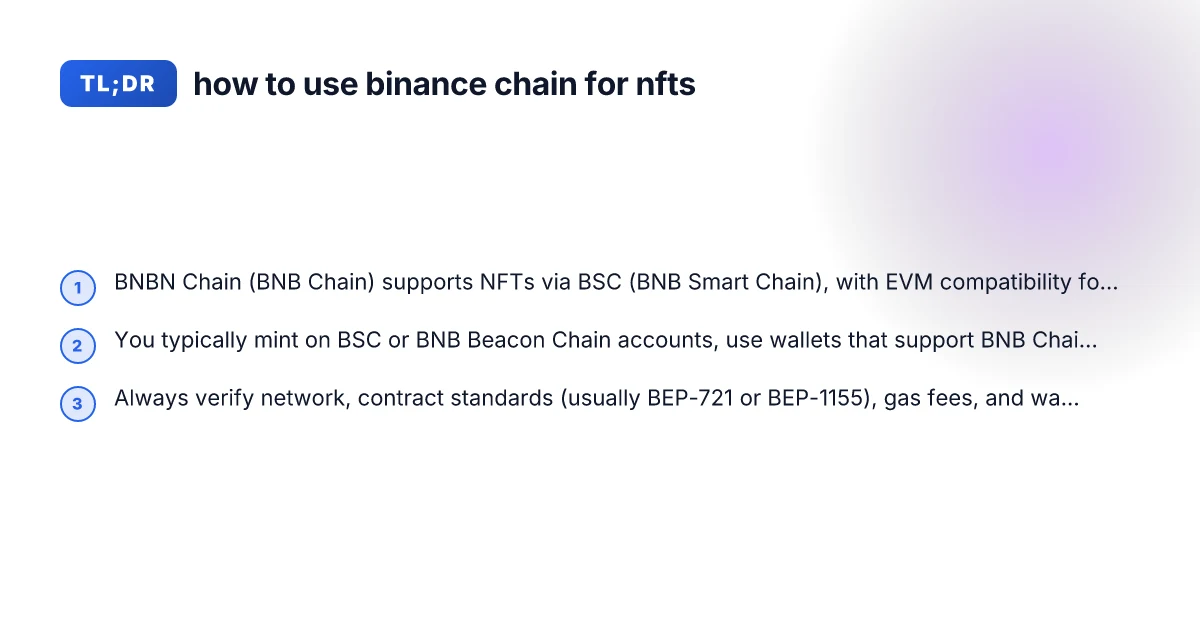
- BNB Chain (the broader ecosystem) includes BNB Beacon Chain and BNB Smart Chain (BSC). NFT activity is primarily on BSC due to its EVM compatibility and ecosystem tooling.
- If you’re specifically minting or trading NFTs, you’ll likely interact with BSC, using BEP-721 or BEP-1155 contracts and compatible wallets and marketplaces.
Troubleshooting common issues
- Issue: Wallet shows insufficient gas on mint.
- Solution: Ensure you have enough BNB in the connected wallet. Adjust gas price or try during off-peak times.
- Issue: NFT not appearing in wallet after mint.
- Solution: Confirm the token ID and contract address. Refresh wallet data. Check explorer for the token’s on-chain status.
- Issue: Cannot connect to marketplace.
- Solution: Verify you are on the correct network (BNB Chain). Re-connect the wallet. Ensure you’re using a compatible browser extension or app version.
Final recommendations
- If you’re new to NFTs on Binance Chain, start with a reputable marketplace on BSC, and use a well-supported wallet like MetaMask with BSC network configuration or Binance Wallet.
- For creators, consider BEP-721 for unique items or BEP-1155 for bundles and editions, and plan metadata hosting (IPFS recommended) and royalties upfront.
- Always verify the contract address, token standard, and platform compatibility before minting, trading, or transferring NFTs to avoid loss of assets or funds.
- Stay mindful of gas costs and network activity. Plan big drops or sales during times of lower congestion to minimize fees.
- For ongoing learning, monitor official Binance resources and trusted community guides to keep up with changes in NFT standards and BNB Chain tooling.
If you want, I can tailor this guide to your exact use case, whether you’re minting your first NFT collection, setting up royalties, or preparing a drop on a specific BSC marketplace.