How to join binance nft auctions
A practical guide to participating in Binance NFT auctions, with step-by-step instructions and tips to bid effectively.
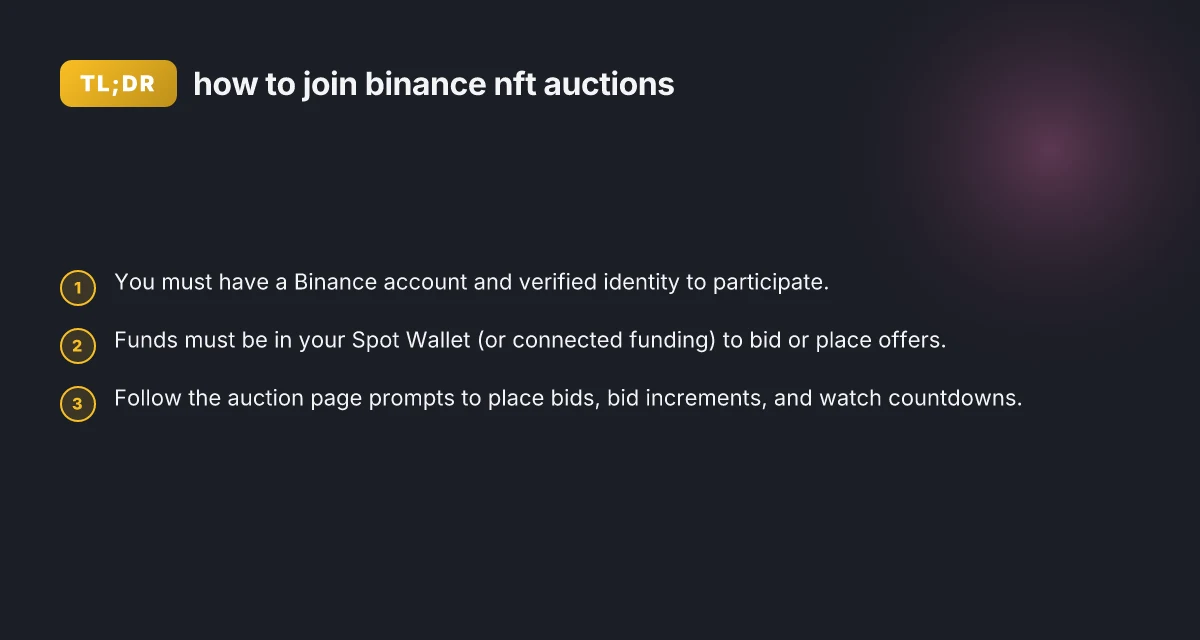
Opening Binance NFT auctions are a popular way to bid on exclusive digital art and collectibles. To participate, you need a Binance account, verified identity, and sufficient funds in your wallet. This guide walks you through joining Binance NFT auctions in a clear, actionable way, with practical tips to improve your chances of winning.
Get ready: set up your Binance account and wallet
Create and verify your account
- Sign up for a Binance account if you don’t already have one.
- Complete KYC/identity verification to unlock NFT features and higher bid limits.
- Ensure two-factor authentication (2FA) is enabled for security.
Fund your account
- Add funds to your Spot Wallet, typically in BNB or other supported tokens.
- You can buy crypto directly on Binance or transfer from another wallet.
- For smooth bidding, keep a small buffer (a few dollars’ worth of crypto) to cover fees.
Access Binance NFT
- Go to the Binance NFT homepage after logging in.
- If you’re on mobile, use the Binance app and navigate to the NFT section.
- Ensure you’re on the correct network and marketplace (Binance NFT).
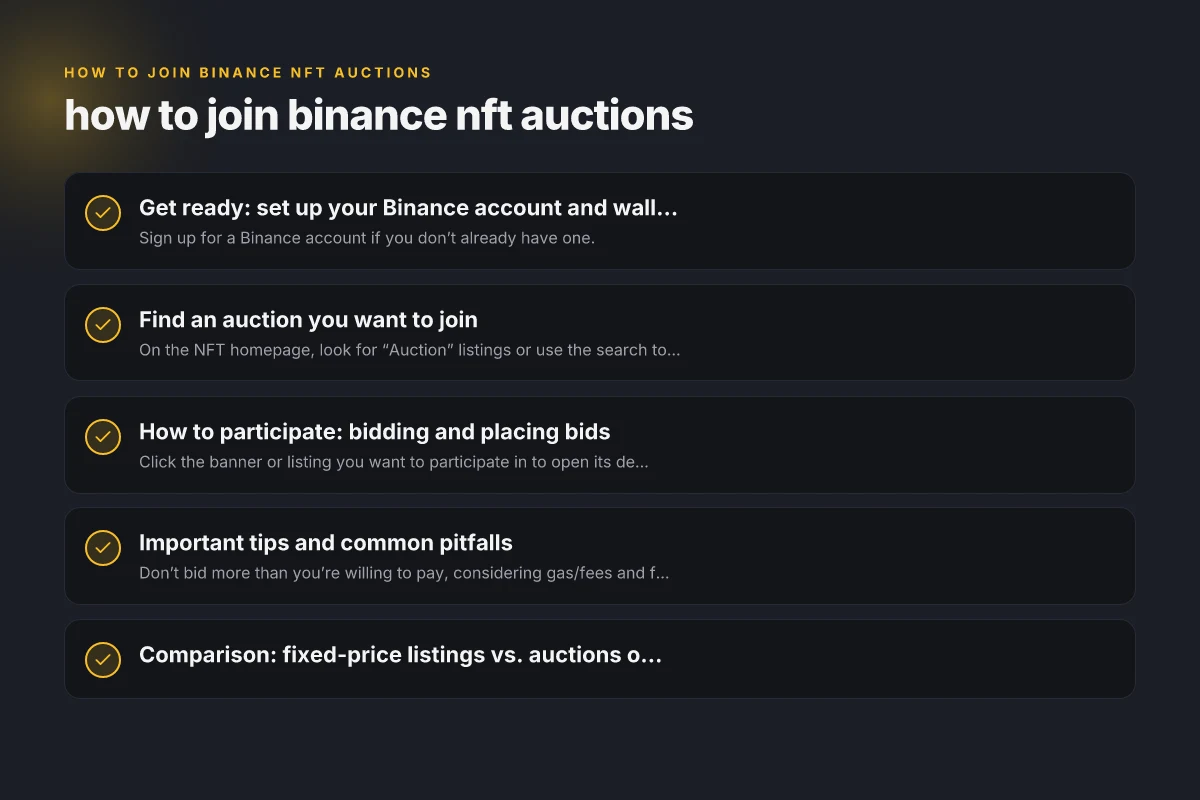
Find an auction you want to join
Browse openings
- On the NFT homepage, look for “Auction” listings or use the search to find a specific artist or collection.
- Auctions are time-bound, with a countdown showing the end time.
Read the sale details
- Check reserve prices, bid increments, and any special terms (e.g., gasless mint, bundle lots).
- Some auctions may be one-off drops, others scheduled events.
Add to watchlist
- Use the watchlist or follow options if you want to monitor an item’s activity without bidding immediately.
How to participate: bidding and placing bids
Open the auction page
- Click the banner or listing you want to participate in to open its detail page.
- Review current bid, highest bid, and remaining time.
Bid steps and rules
- Most Binance NFT auctions use incremental bidding. The page will show the next minimum bid amount.
- You may need to confirm the bid amount and approve the transaction in your wallet.
- Some auctions allow auto-bidding or maximum bid features. If you enable auto-bid, Binance will bid up to your max automatically.
Place your bid
- Enter your bid amount (or use the suggested increment).
- Confirm the bid. You may be prompted to authorize the transaction in your wallet app or within the Binance interface.
- After confirmation, your bid appears as the current highest bid if it’s the top bid.
What happens if you win
- When the auction ends and you’re the highest bidder, you’ll receive the NFT in your Binance NFT collection.
- The NFT is typically transferred to your Binance NFT wallet, and the corresponding funds are settled, with fees applied as described in the auction terms.
Important tips and common pitfalls
Bid thoughtfully
- Don’t bid more than you’re willing to pay, considering gas/fees and future resale value.
- Be mindful of the auction end time. Last-second bids are common, so don’t delay bidding until the final seconds if you’re not prepared.
Understand the fees
- Review any marketplace fees, seller fees, and potential gas costs associated with the transfer.
- Some auctions may have special terms (e.g., no auction fees, or additional costs for certain collections).
Security basics
- Use 2FA and strong passwords.
- Beware phishing attempts. Binance will not ask for your password or recovery phrases via email or chat.
Connectivity and timing
- Ensure you have a stable internet connection during the auction window to avoid bid drops or missed bids.
- If using a wallet extension, make sure it’s unlocked and ready before bidding windows close.
Comparison: fixed-price listings vs. auctions on Binance NFT
| Feature | Auction | Fixed-price listing |
|---|---|---|
| Price discovery | Dynamic; bids can exceed starting price | Set price by seller; no bidding |
| End condition | Ends when timer expires or highest bid wins | Purchases immediately at listed price |
| Bidding strategy | Incremental, watch the countdown, use auto-bid if available | Not applicable; quick buy |
| Winner notification | Top bid wins; transfer occurs after auction ends | Buyer purchases instantly; transfer happens on payment |
After you join: managing your NFT and bids
Track your bids
- Monitor the “My Auctions” section or your recent activity to see current status and bid history.
- If outbid, you’ll typically see a notification or can refresh the auction page to see new bids.
Claiming and transferring NFTs
- If you win, the NFT is transferred to your Binance NFT wallet. You’ll see it in your collection after settlement.
- If you don’t win, your funds remain in your Spot Wallet. You can bid again or withdraw as per Binance’s withdrawal policy.
Portfolio and resale
- You can view your Binance NFT collection and consider listing for resale or keeping as part of your collection.
- Some marketplaces offer secondary market options. Review the terms before listing.
Troubleshooting common issues
- Bid not submitting: Check your wallet connection, ensure sufficient funds, and confirm the transaction in your wallet app.
- Auction not loading: Refresh, clear cache, or try a different browser/device. Check Binance status pages for maintenance notices.
- Missing NFT after winning: Confirm you finished all steps and that the auction ended successfully. Contact Binance support if the transfer hasn’t occurred within the stated window.
How to get started quickly: a quick-start checklist
- Create and verify your Binance account.
- Fund your Spot Wallet with enough crypto to cover the bid plus fees.
- Navigate to Binance NFT > Auctions, find an item you want.
- Review auction details and set your bid. Consider enabling auto-bid if available.
- Confirm and monitor the auction until it ends.
- If you win, ensure the NFT lands in your Binance NFT wallet and manage it from your collection.
Final section: recommendation If you’re new to Binance NFT auctions, start with items from established collections or creators you follow. Begin with modest bids to learn the dynamics of timing and increments, then scale up as you gain comfort with the process. Always factor in fees and consider how the NFT fits your collection strategy before bidding. With careful preparation and attentive bidding, participating in Binance NFT auctions can be an engaging way to acquire digital collectibles.